45
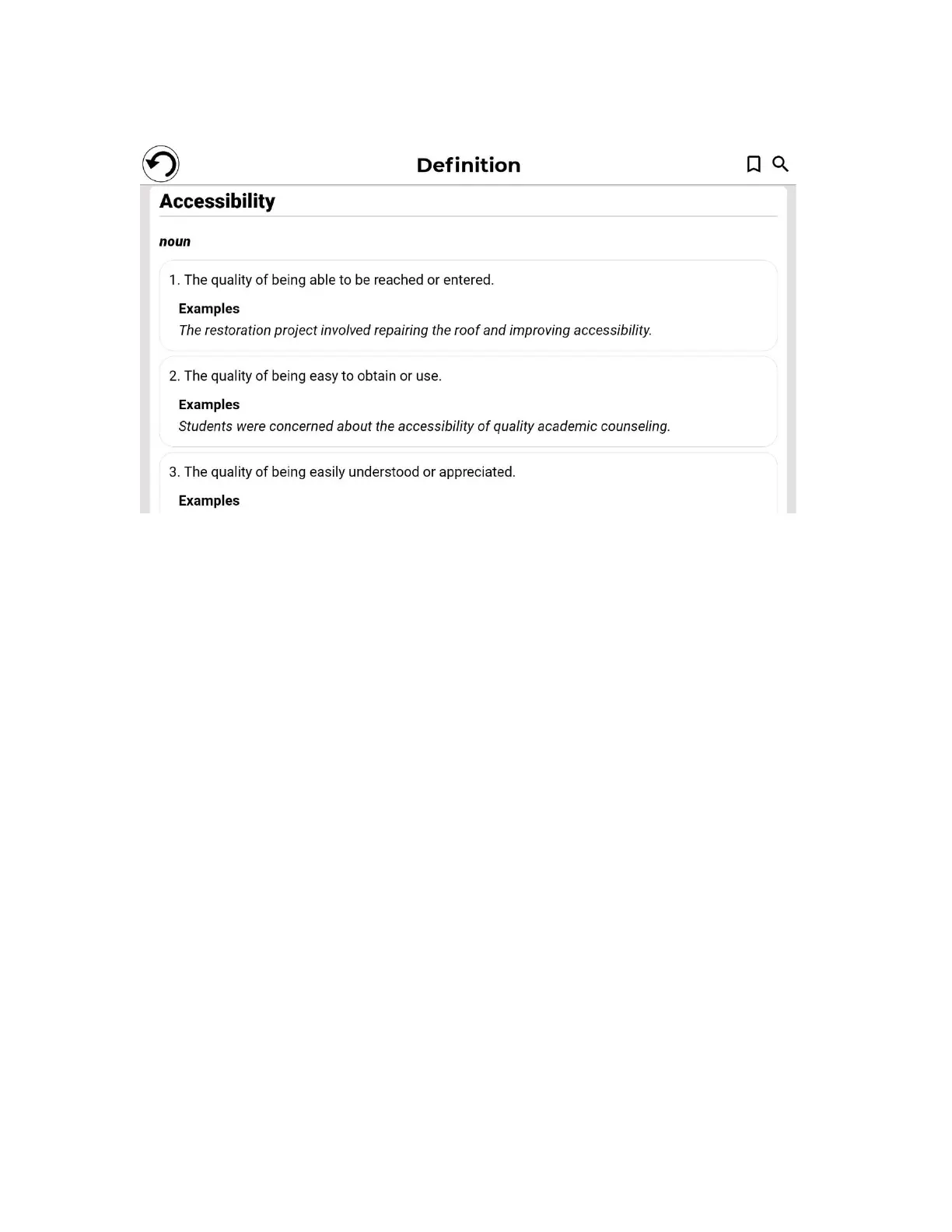
Users can save word definitions to a word list via the Bookmark icon at the top,
right of the page.
Tap the Bookmark icon (top, right of page)
The ‘Add to which list?’ pop-up box will appear.
Tap Create New List.
Enter the list name in the ‘Save word to list’ pop-up box.
Tap Save.
The word will be saved to the list and can be accessed by tapping the Bookmark.
Multiple lists can be created and saved, for example: subject area specific,
regularly used words, technical terms, cooking tools or nautical hardware
terminology, etc.
Tapping the Magnifying glass icon (next to the Bookmark icon) will take you back
to the ”Search for a word” page so that you can search for another word.
Adjusting Font Size in the Dictionary Tool
The main page includes a font size selector icon at the top, right of the page.
Tap it repeatedly to cycle through three available font sizes (small,
medium*, and large). Stop at whichever size suits your needs.



 To Next Page