54
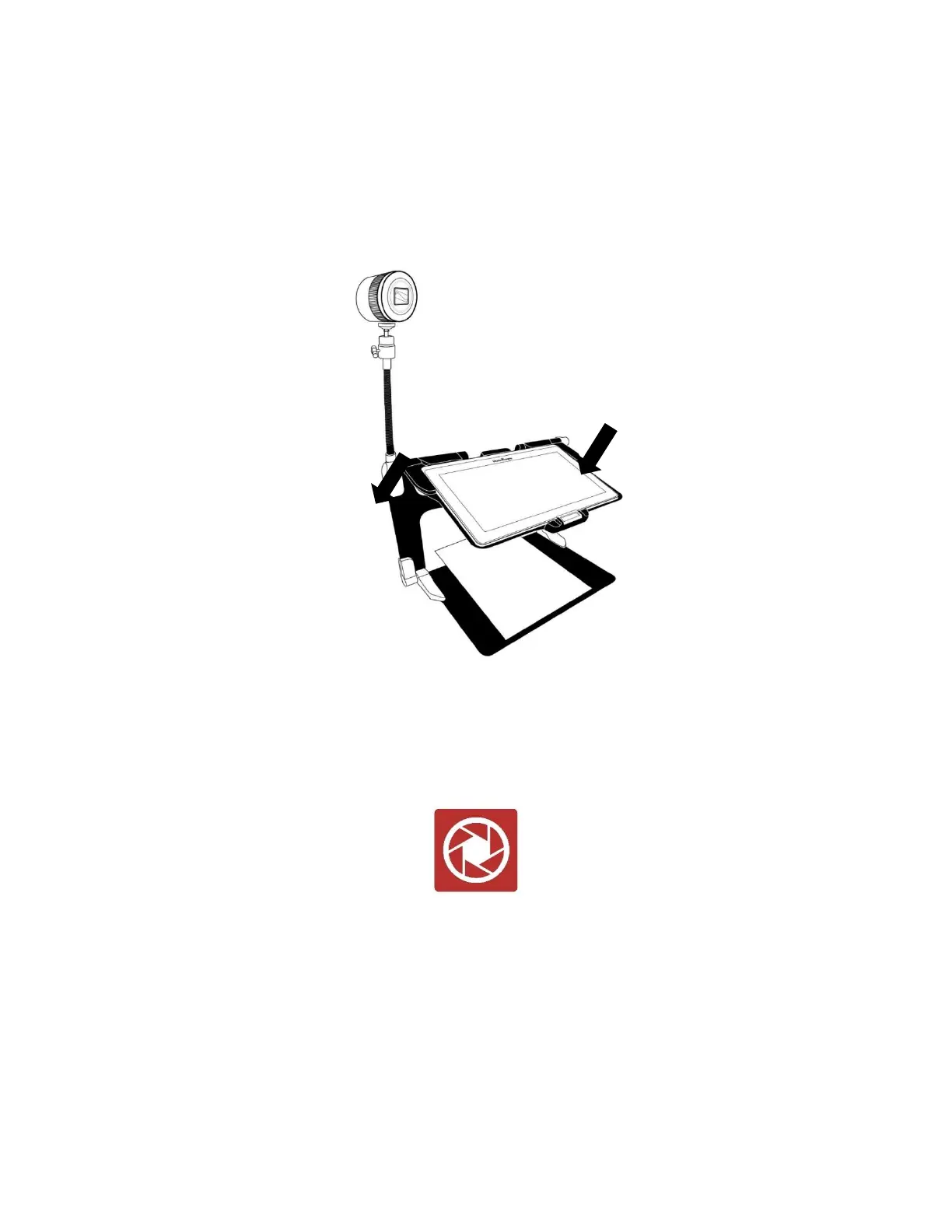
Distance Camera set up (image 24)
Refer to image 7: Screw the camera onto the flexible gooseneck and insert
the base of the gooseneck into the one of the folding stand tabs (located on
the left- and right-hand sides of the folding stand frame.
Select and tap the Distance Camera icon from the Carousel menu.
Turn the camera On.
Align the camera with an object that you wish to view.
You are now in the camera’s live view.
Refer to image 10: Zoom in or out by adjusting the Zoom controller.



 To Next Page