62
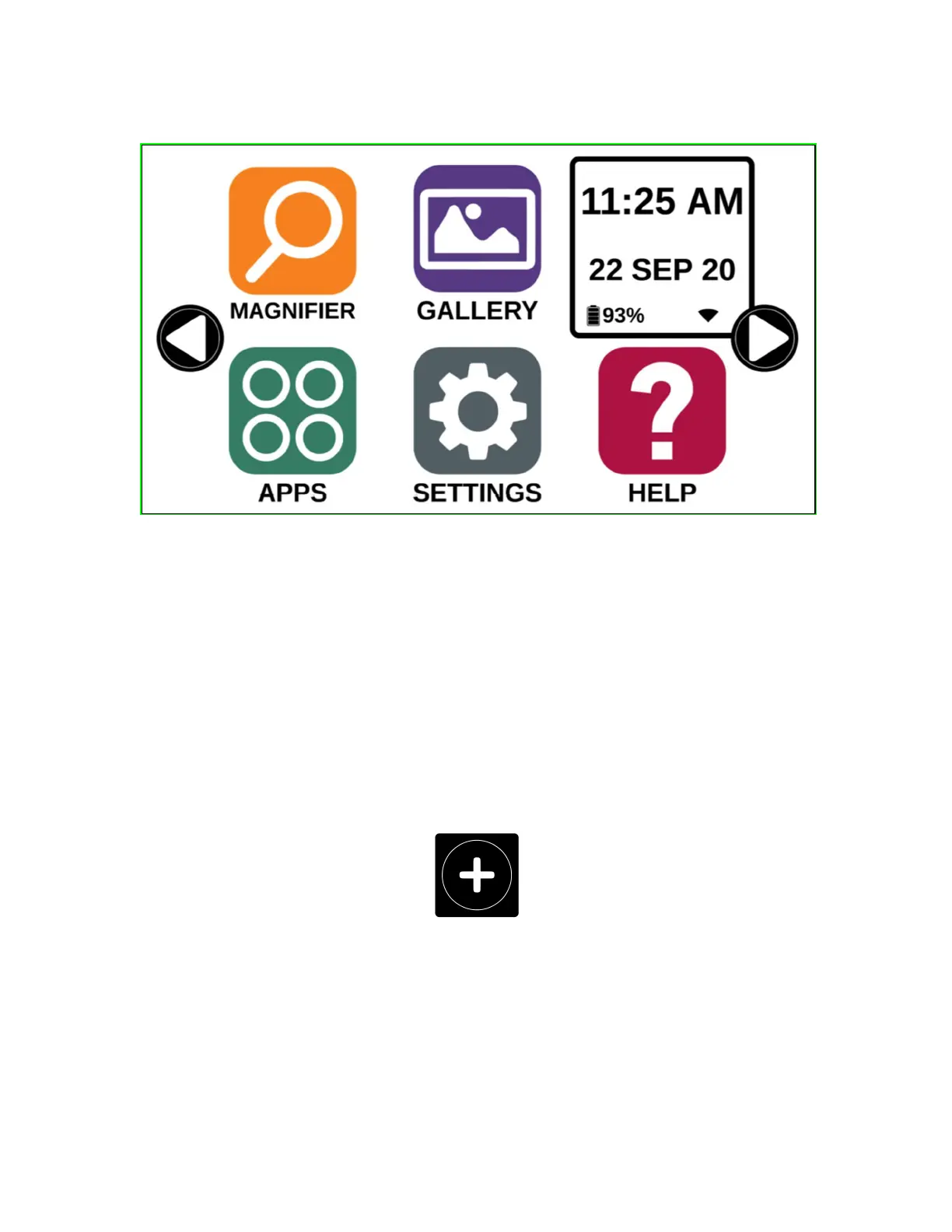
Prodigi applications are now accessible in a series of rotating screens and
display six applications per screen rather than one by one. The 9 main Prodigi
applications are accessible by default in the Tile menu. Time and date are also
displayed at the top, right of the screen.
Swipe left or right in the Tile menu or tap the right or left arrows on the side
of the screen to access the next application screen.
Tap on any one of the applications to launch it.
If you need to add an application to the Tile menu, tap the Add icon:
A new menu will appear, offering two options to access the application that you
wish to add to the Tile menu: Search and Select applications.
The Search option allows you access an application by entering its name via the
keyboard pop-up.



 To Next Page