24Start/Stop MEGA 360 Imaging
Stop Pinging from the Power Submenu
SOLIX Series HELIX Series
1. Press the POWER key.
2. Tap Sonar.
3. Select 360 Pinging. Tap the On/Off button, or press the
ENTER key, to turn it off.
1. Press the POWER key.
2. Select 360 Pinging, and press the LEFT Cursor key to
select Off.
Wet Switch
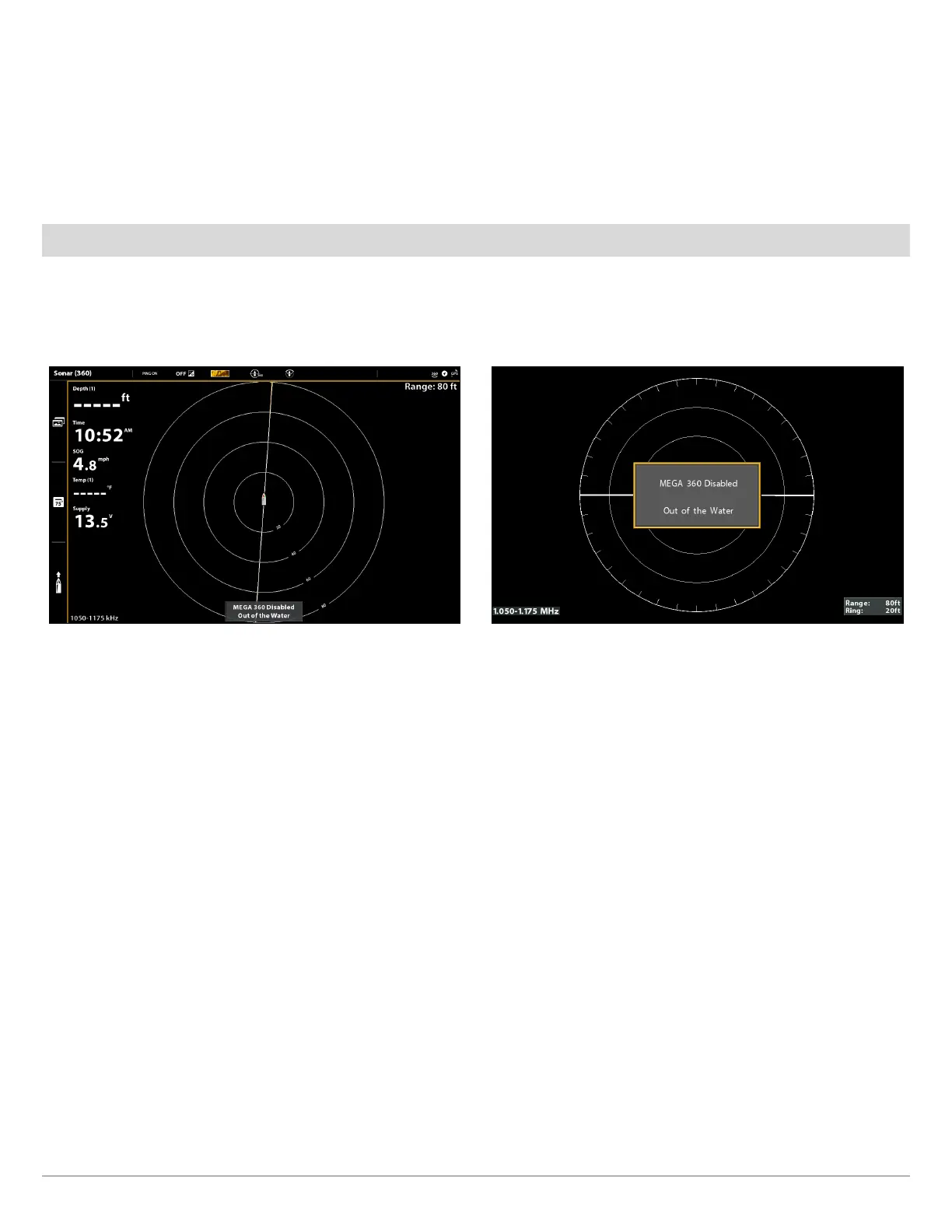
The MEGA 360 wet switch automatically stops MEGA 360 pinging/rotation while the transducer is out of the water, in order to
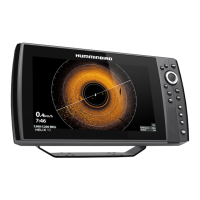
prevent wear and tear. Your control head will display the following message: MEGA 360 Disabled Out of the Water.
Out of the Water Notification (SOLIX) Out of the Water Notification (HELIX)






 To Next Page