41 Isolate Sweep
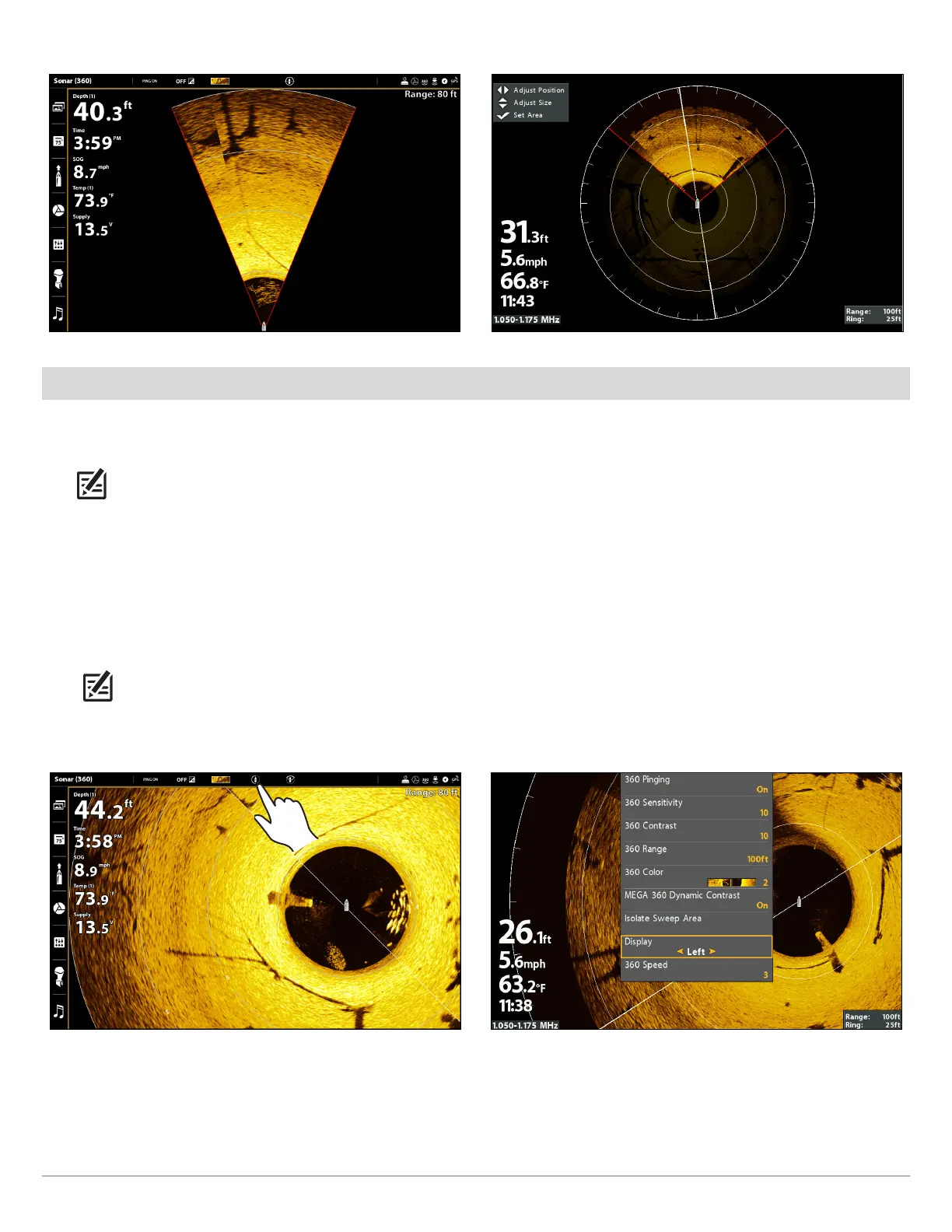
Isolating Sweep (SOLIX) Isolating Sweep (HELIX)
Select a Preset Display
Use the Display menu option to choose a preset portion of the MEGA 360 Imaging sweep. The preset display modes include 360,
Front, Left, Right, and Rear.
NOTE: If you use Isolate Sweep Area in this mode, the view will switch to the full 360 View.
SOLIX Series HELIX Series
1. X-Press Menu: With a 360 View displayed on the screen,
press the MENU key once, or tap Sonar (360) on the
status bar.
2. Select Display Mode.
3. Tap to select a display option.
NOTE: You can also select a preset display by tapping
the Display Mode icon on the status bar.
1. X-Press Menu: With the 360 View displayed on the
screen, press the MENU key once.
2. Select Display.
3. Press the RIGHT or LEFT Cursor keys to select a display
option.
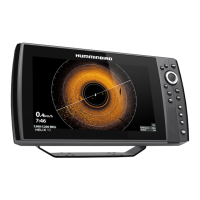
Left Sweep (SOLIX) Left Sweep (HELIX)






 To Next Page