42Change Frequency
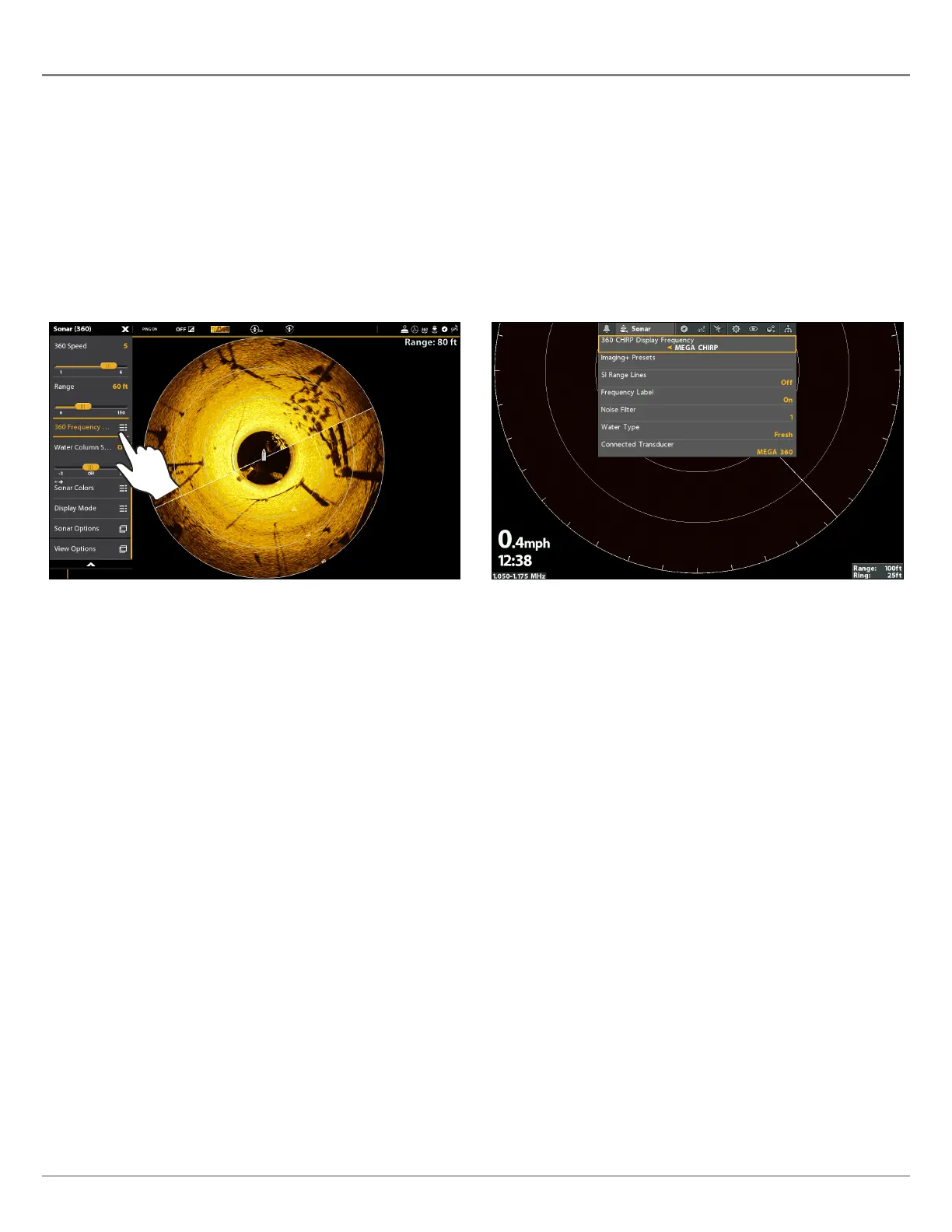
Change the Frequency
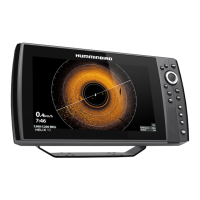
You can display the MEGA 360 Imaging transducer in two beam frequencies: 455 kHz and MEGA.
SOLIX Series HELIX Series
1. X-Press Menu: With a 360 View displayed on the screen,
press the MENU key once, or tap Sonar (360) on the
status bar.
2. Select 360 Frequency Select and Display.
3. Select a frequency from the list.
1. Main Menu: Press the MENU key twice.
2. Select the Sonar tab > 360 CHIRP Display Frequency.
3. Use the RIGHT and LEFT Cursor keys to select a frequency
from the list.
Changing the Frequency (SOLIX) Changing the Frequency (HELIX)






 To Next Page