14
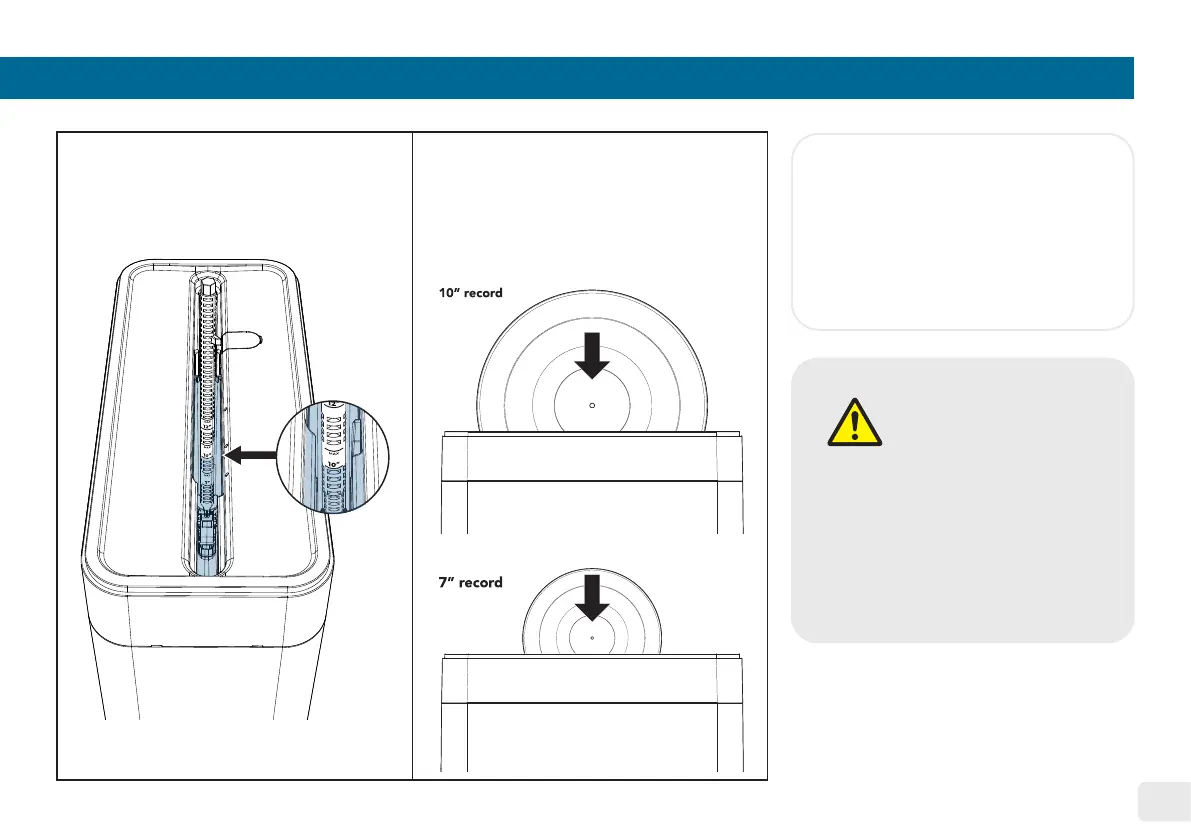
Insert the 7” or 10” record,
choose the desired mode,
and press the start/pause
button. For the next step,
please refer to page 12.
5.
Refer to page 8 for reference.
Fill up the water basin and
utilize the water level guide to
measure the water level.
4.
CAUTION
• DO NOT change the
wheels setting during any
operation cycle�
• Gently insert the record
into the water basin and
place it on the 7” or 10”
water basin supports using
both hands�
Notice:
• For 7” record, install the water
basin support before adjusting the
rotation wheels to the 7” position�
Reverse the step to take out the 7”
water basin support�


 To Next Page