48
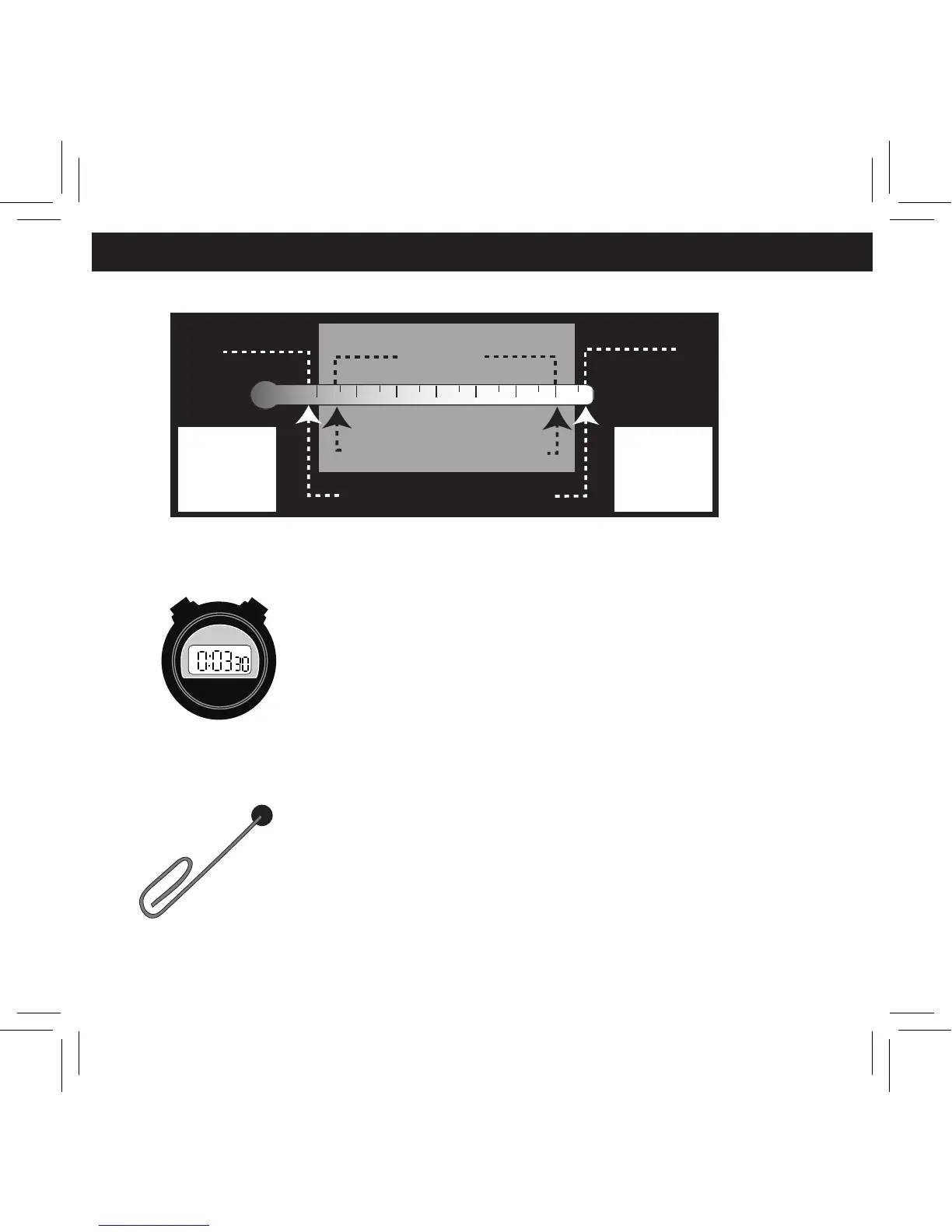
1. Temperature Range
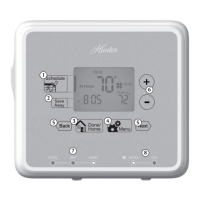
2. Compressor Protection
After the system stops running in
cooling mode, there will be a 3.5
minute delay before it can be restarted
to prevent compressor damage due to
rapid cycling.
3. Resetting the unit
To restore the thermostat to the
original factory settings, press the
reset button with a paperclip.
(This will erase any user-programs.)
reset
Display Range
30
o
F
99
o
F
(0
o
C)
(37
o
C)
45
o
F
Program Range
95
o
F
(7
o
C)
(35
o
C)
Out of Range
"HI"
>
99
o
F
Out of Range
"LO"
<
30
o
F


 To Next Page