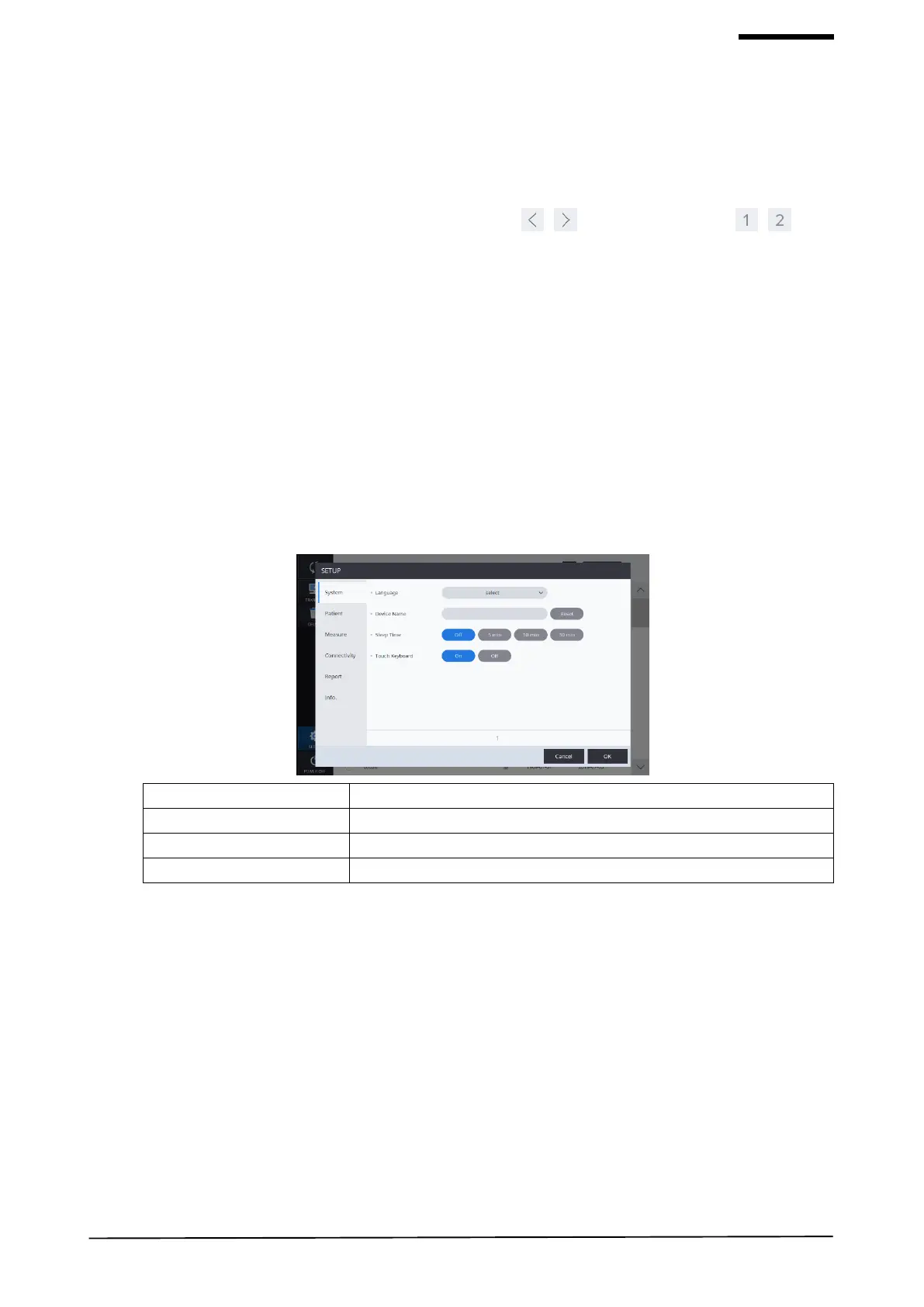
6.2. SETUP Mode
[To choose the section to setup]
- Setup mode consists of six sections: System, Patient, Measure, Connectivity, Report. You can select the section to
setup from the left side.
- You can navigate the setup items with the page move buttons [ , ] or the page numbers [ , ] at the
bottom.
[To change settings]
- Select the item to change.
- To press OK button will save all the changes made and exit the setup screen.
- To press CANCEL button will discard the changes and exit the setup screen.
1) System Settings


 To Next Page