Installation Procedure
5.1. System installation
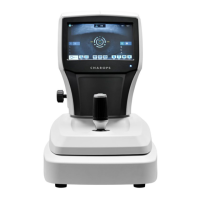
1. Place the main body unit on a stable table.
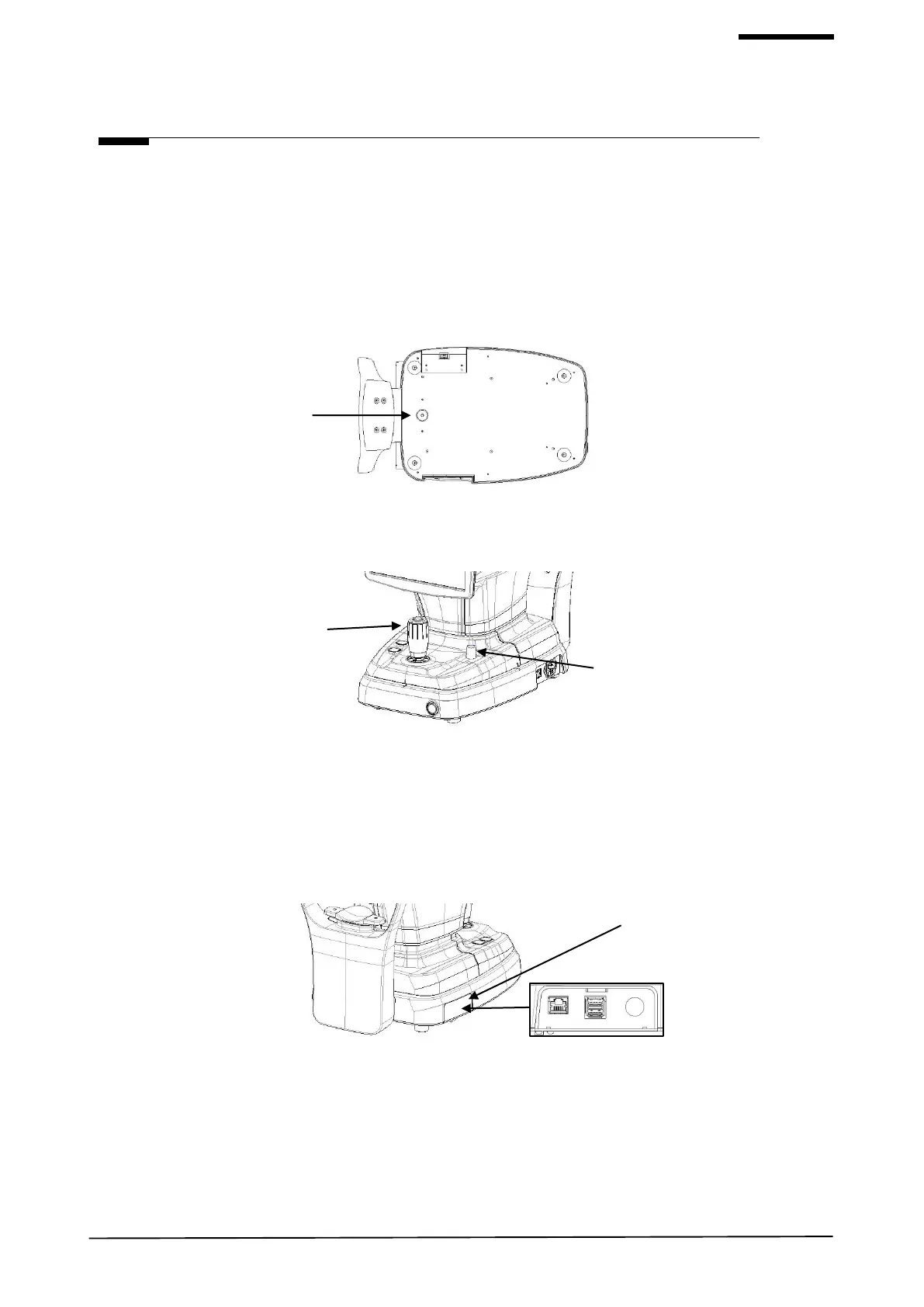
2. Loosen the packing lock screw under the main body.
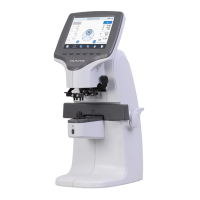
3. Unscrew the user lock lever on the body.
4. Attach the chinrest paper to the chinrest.
5. If needed, connect external devices.
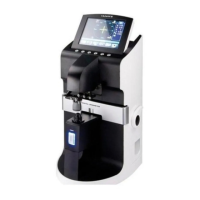
(1) ‘PORT CAP’ is opened by pushing the end of the bottom surface by hand.
(2) If needed, connect mouse or keyboard
(3) Connect communication cable of external device.
(4) Close ‘PORT CAP’.
6. Check the power switch on the bottom right of base is off. (O position).
7. Connect power cable to power inlet. Also, connect the other side of power cable to electric outlet.


 To Next Page