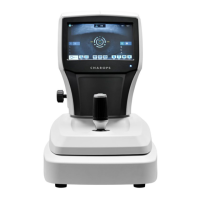
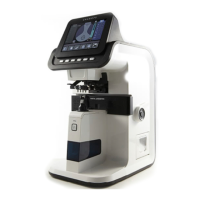
Replacement
10.1 SMPS
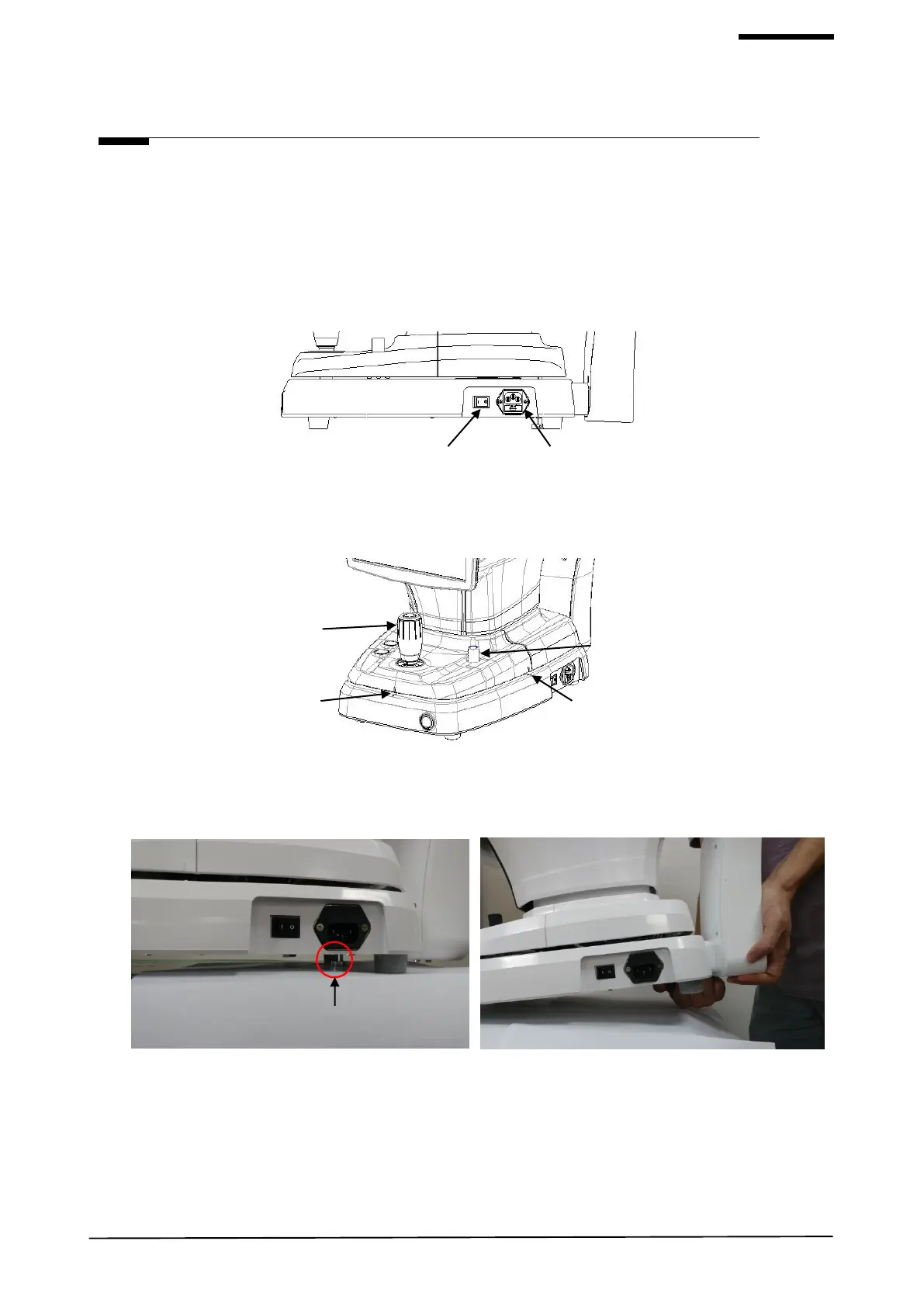
1) Check the power switch on the bottom right of base is off. (O position)
2) Disconnect the power cable from the power inlet.
3) Align left/right index mark (B) and front index mark (A) of body and base with joystick.
Screw the user lock lever on the body.
4) Lift Packing locks under the bottom and turn them counterclockwise to lock the device (Important).
Move the joystick to check if the device is locked firmly. Device is locked correctly if the device doesn’t move.


 To Next Page