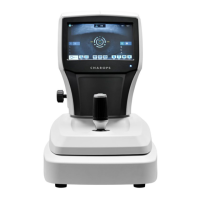
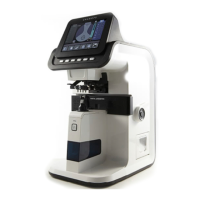
• If Keratometer mode is on, user can choose the Keratometry, AxialLength, CCT, ACD, LT measurement.
• If Keratometry measurement is on, Keratometer image is taken with pressing the button on joystick and
topography map, kerato value is calculated.
• If Axial Length measurement is on, Axial length signal is taken with pressing the button on joystick.
• If CCT, ACD, LT measurement (Anterior measurement) is on, CCT, ACD, LT signal is taken with pressing the
button joystick.
• If Pupillometry mode is on, Pupil image is taken with pressing the button on joystick and pupil data is
calculated.
5. Set the environment as following.
(1) Set auto shooting.
• If auto shooting is on, image is optimized and captured automatically when aligned and focused to the
patient’s eye properly.
• Auto shooting is not supported for anterior capture mode.
(2) Set auto tracking.
• If auto tracking is on, patient’s eye is automatically tracked to center and focused when patient’s eye is inside
tracking region.
• Auto tracking is not supported for anterior capture mode.
(3) Set Live Signal.


 To Next Page