2. Checking and Setup Method
2.1. Setup Order
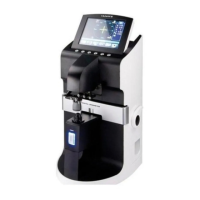
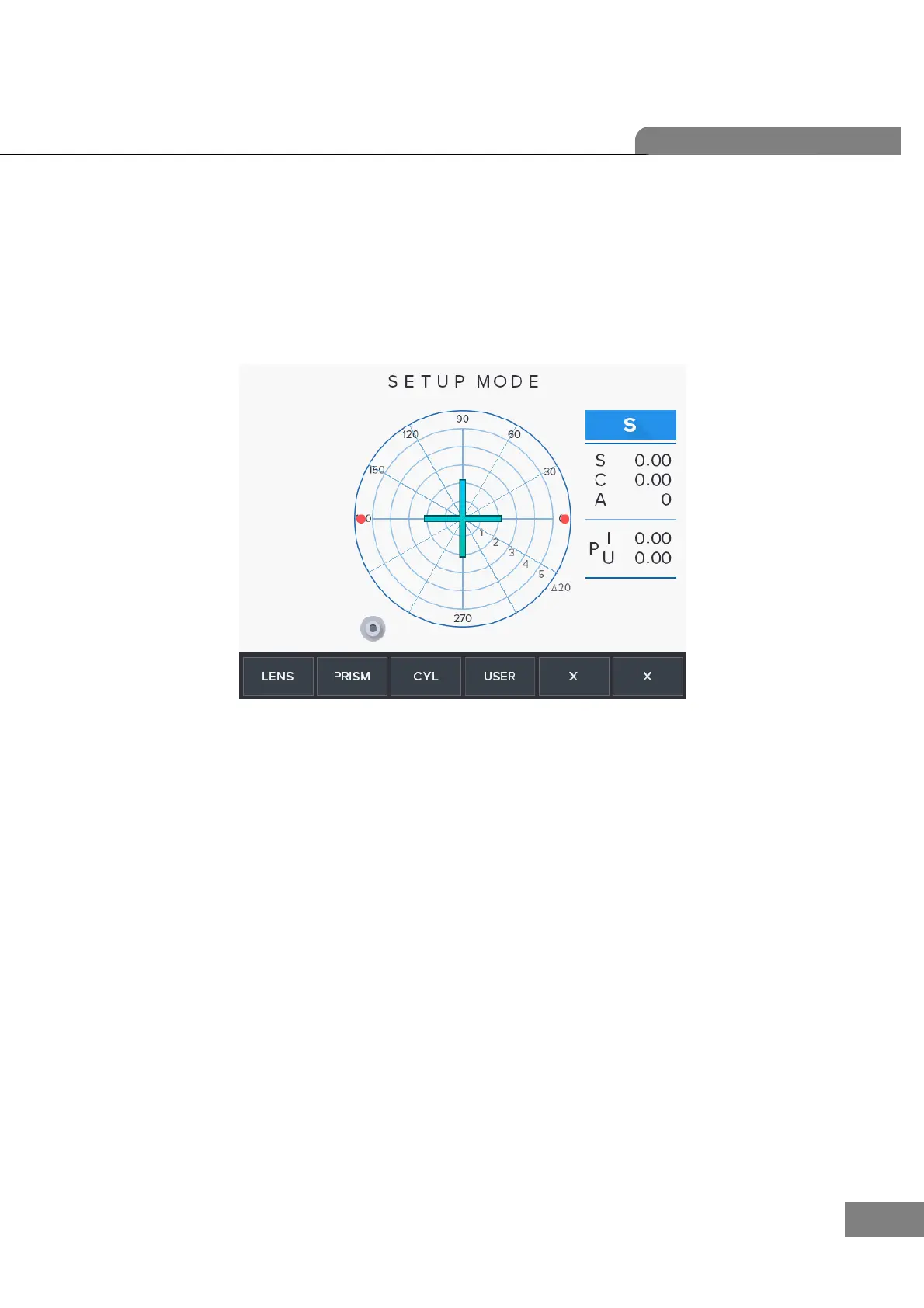
Start up with pressing 3 and 6 keys, then you can meet “Setup Mode” as below.
While this mode, ‘SETUP MODE’ mark will show in the upper area.
Calibration can be processed only in SETUP mode; LENS, PRISM, CYLINDER, PD, UV.
To all setting, you should convert the display step (STEP) into 0.01. In case of prism,
convert the prism display into P-B format. Display step (STEP) and prism display format
can be changed in ‘User Setup’ screen. Press the ‘USER’ (Key 4) button in the basic
display screen.


 To Next Page
 Loading...