Appendix 3
Ref: REFLEX/SCANFLEX MANUAL
EDITION 1: JULY ’97 69
Pr.44 - Inputting Values
When a new value is to be entered, first display the old value and then input the new and press
'ENT', the system will display the value it has stored in memory. The values input have to be in a
specific form.
1. - Level - Designated 'A'
- These values must be entered as a whole number.
i.e. 11 will be accepted as 11
22.3 will be accepted as 223.
The allowable range of values is 0-250%, any unused data values must be set to 255.
PARAMETER RESET: LOADS 255 TO ALL DATA VALUES.
2. - Volume - designated 'B'
- These values are expected to contain one decimal place, therefore, it is not
necessary to input the decimal place, but the procedure will display it.
i.e. 10 will be accepted as 1.0
95 will be accepted as 9.5
The allowable range of values is 0-500%.
PARAMETER RESET: LOADS 0 TO ALL DATA VALUES.
NOTE: 1. As time is required to enter all the data, the standard keypad time-outs are
suspended.
2. We recommend that the required values are written in tabular form, as shown
before programming commences. Then enter all Block A values, before
entering all Block B values.
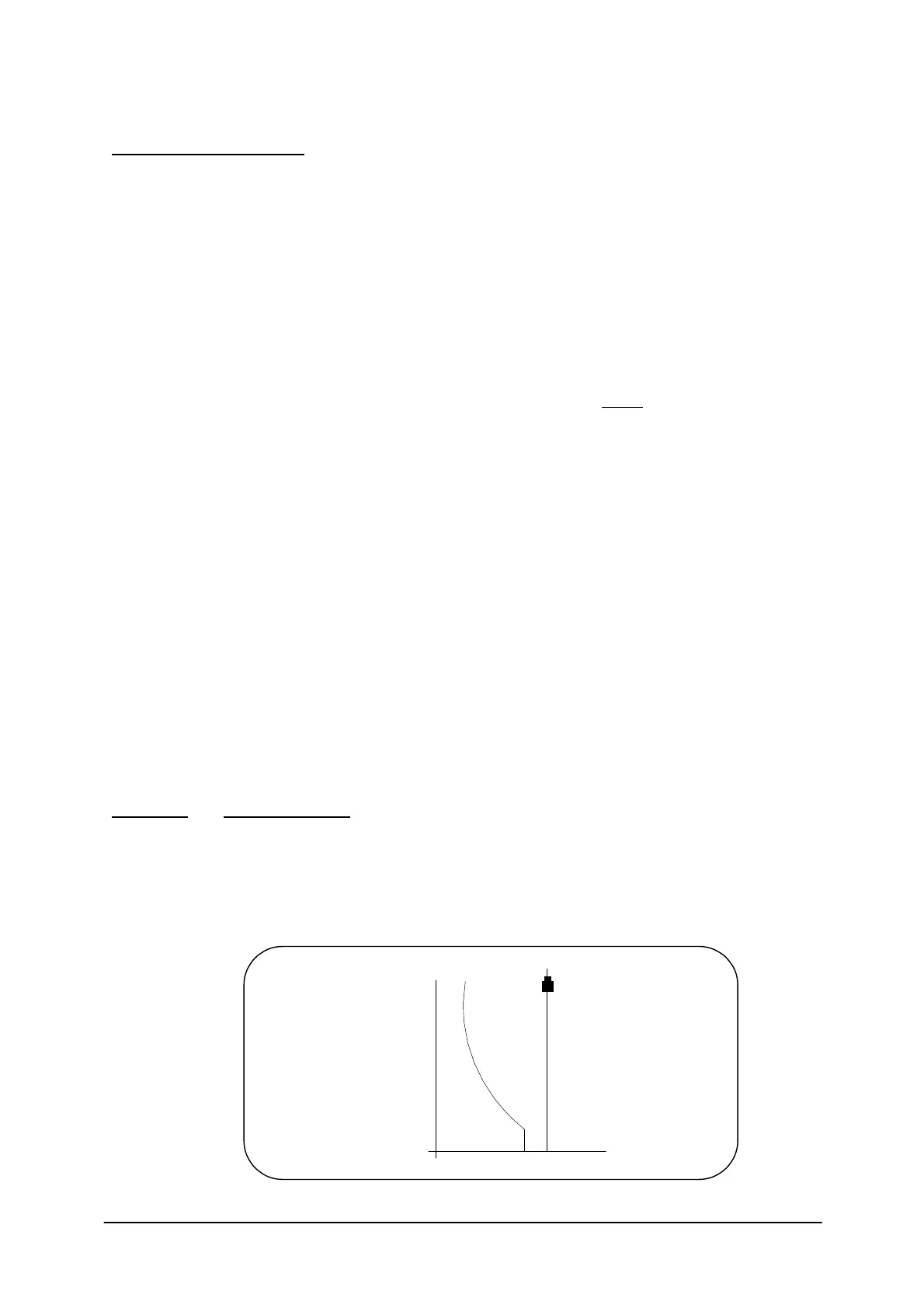
Example: Vessel Mapping
Use Example 2 on Page 35, but substitute a special shape vessel.
Assume the data in the table below has been given for the vessel. Enter it into the Reflex in the
following Manner.
100
90
80
70
60
50
40
30
20
10
0
Vessel
symmetrical
about c/1
Transducer
% of level


 To Next Page