2.7
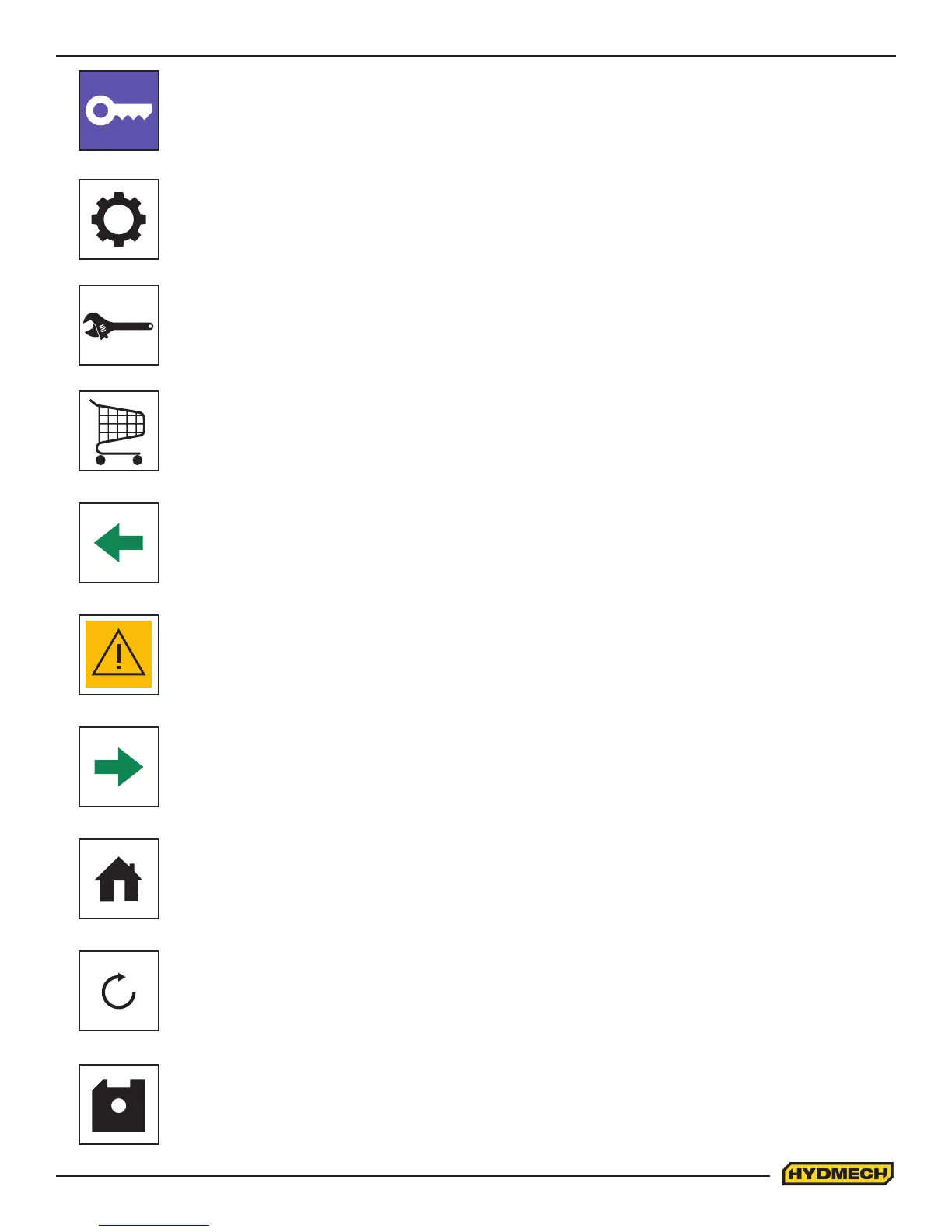
PREVIOUS PAGE:
• This button on the touchscreen is used to exit to the previous page
ALARM:
• This button on the touchscreen will be ashing when there are alarms on the machine. Pushing this
button will take you to the Alarm Screen
SAVE ICON:
• This button on the touchscreen will save the entered data
PASSWORD:
• This button on the touchscreen is used to enter the password. When the correct password is en-
tered then it will allow access to the machine setup, software options, and diagnostic functions of the
machine
MACHINE SETUP:
• This button on the touchscreen is used to access the machine parameters and calibration screens
DIAGNOSTIC:
• This button on the touchscreen is used to access the diagnostic functions to troubleshoot the ma-
chine malfunctions
SOFTWARE OPTIONS:
• This button on the touchscreen is used to activate the software options
NEXT PAGE:
• This button on the touchscreen is used to move to the next page
MAIN SCREEN:
• This button on the touchscreen is used to access the main screen
RELOAD:
• This button on the touchscreen is used to refresh the entered job data or parameter values




 To Next Page