E
E
2726
D/E/F 18.303.H5/05.19
D/E/F 18.303.H5/05.19
8. Basic settings
In order to adapt the unit to the particular application, the function of the
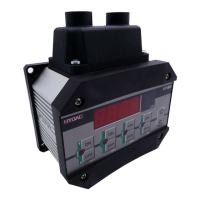
ETS 1700 can be altered via several basic settings. These are combined in
one menu.
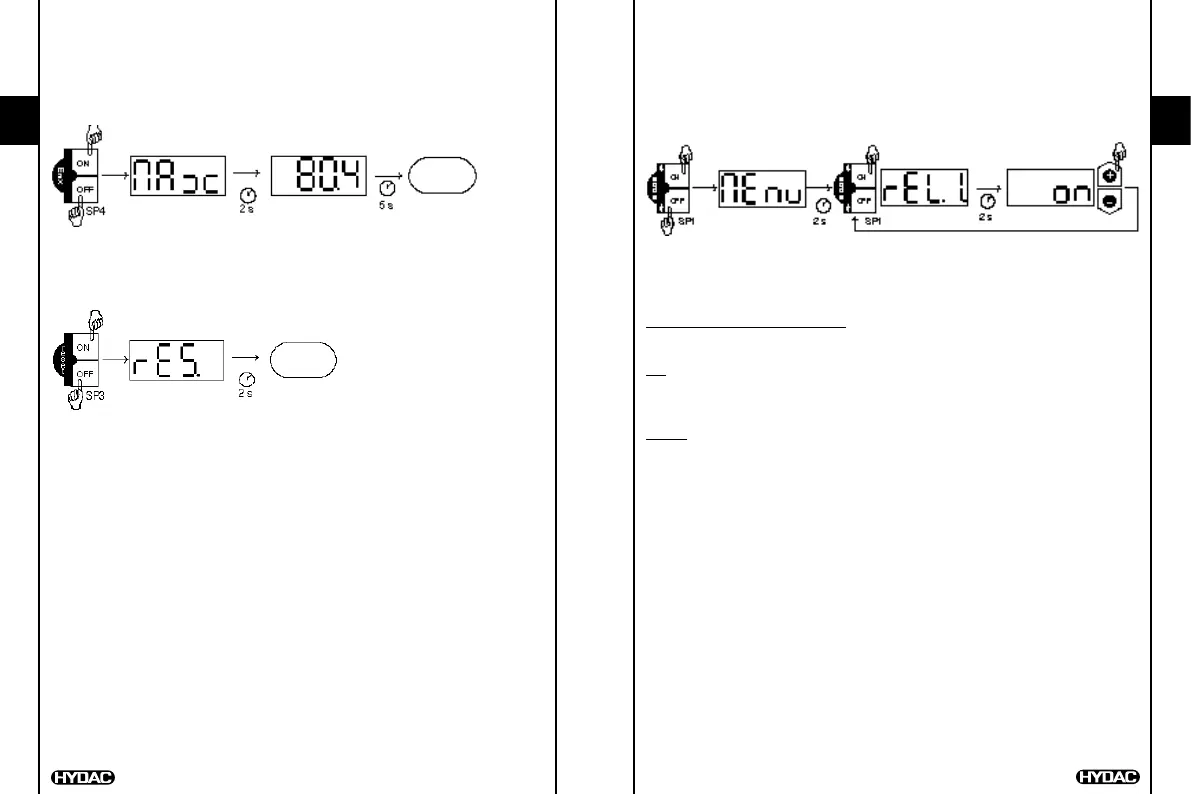
8.1. ALTERING THE BASIC SETTINGS
press ON and
OFF keys of
switching point 1
simultaneously
display select menu point using single
key (ON for next, OFF for
previous menu point)
alter setting, then select
next menu point
To close the basic setting menu:
Call up the menu point END, set to YES, the ETS 1700 returns to the normal
display mode after 2s.
Or:
Press ON and OFF keys of switching point 1 simultaneously, END is displayed,
the ETS 1700 returns to normal display mode after 2s.
Notes:
If "HIDE" is displayed instead of "MENU", the menu can only be called up if
the keys are held down when the supply voltage is switched on (see Point
8.2 "Summary of basic settings, Hidden basic setting menu")
When changing the display range, the switching point and hysteresis or
switch-back point settings are converted automatically. This can cause minor
rounding errors.
If after 50 seconds no keys have been pressed, the menu automatically
closes down. Any changes which may have been made will not be saved.
7. Maximum value
The maximum value is the highest temperature value that has occurred since
the unit was switched on or since the last re-set.
7.1. DISPLAYING THE MAX VALUE
temperature
display
press ON and OFF
keys of
switching point 4
simultaneously
display maximum value is displayed
7.2. RE-SETTING THE MAX VALUE
press ON and OFF
keys of
switching point 3
simultaneously
display maximum value is re-set
temperature
display


 To Next Page