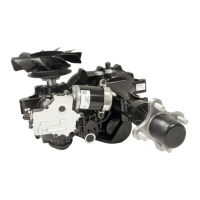
Smartec HSA 13
Smartec Connect™
Smartec Connect™ is the dealer service application for the SMARTEC
®
System.
This application is a key component allowing authorized SMARTEC
®
service dealers to com-
municate with the SMARTEC
®
system via Hydro-Gear bluetooth to assist in the following:
1. Component Replacements
2. In-App Troubleshooting
3. Component Calibration
4. Maintenance Notices
For questions or concerns the servicing dealer should contact their authorized Central
Service Distributor, Hydro-Gear Technical Support at 217-728-2582 or email Hydro-Gear at
info@Hydro-Gear.com.
Smartec Connect™ Access
To access Smartec Connect™ the authorized SMARTEC
®
servicing dealer should perform
the following procedures:
1. Download the Smartec Connect™ application from Apple Store or Google Play Store.
2. Open up Smartec Connect™ application on device.
3. Log-in to Smartec Connect™ with Hydro-Gear credentials.
4. Establish bluetooth connection via the Smartec bluetooth connection.
Note: In order to utilize Smartec Connect™ and perform the functions listed below the
user must be an “Authorized SMARTEC
®
Dealer.”


 To Next Page