hydrow.com | 1312 | Hydrow Wave User Guide | 01/2023
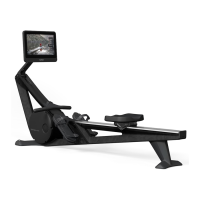
Attach the monitor
1. Locate the slot on the back of the monitor (G) just above the
triangular inset.
2. Carefully slide the tab on the monitor arm plate (F) into the slot
on the back of the monitor (G).
• Make sure the monitor's weight is fully supported
before letting go.
3. Attach the monitor (G) to the monitor arm plate (F) with the
4 thumbscrews (P) by hand.
4. Connect the two wires hanging from the monitor arm (F) and plug them
into the back of the monitor (G).
• Make sure the cables are fully connected prior to use.
4. Thread the cables through the hole at the top of the monitor arm (F) so
that the cables lie flat on the monitor arm (F).
5. Replace the cosmetic cover:
• Hook the top of the cosmetic cover into the top of the monitor arm (F)
and push the rest of the cosmetic cover into place.
• Use the hex key (I) to reattach the two bolts from Step 1 into the
underside of the monitor arm (F).
Assembly and Setup


 To Next Page