18 © Copyright 2019 HYPERVSN. All rights reserved
Operating mode
In the Operating mode the Device can be connected to the Internet, remotely controlled, and display user
content.
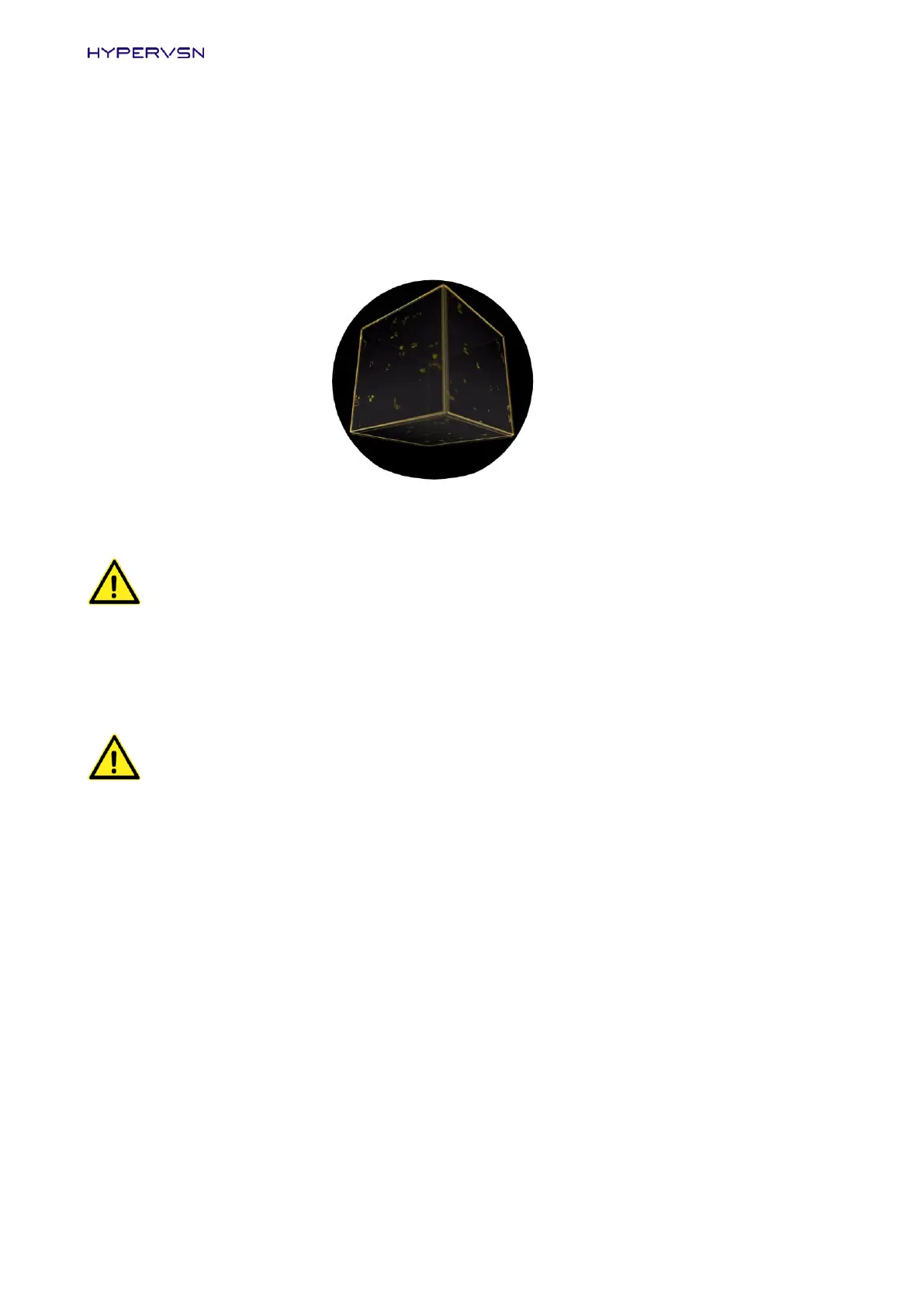
If there is no user content uploaded onto the Device, in this mode the Device displays the following message.
Picture 15. Starting message in the Operating mode
WARNING! The Device must be always switched off and the rays stopped before you change
the mode (move the mode switch).
7.2 SWITCHING THE DEVICE ON AND OFF
WARNING!
Do not turn on the Device until it has been fully assembled and thoroughly inspected. You
must never switch on the stator without the rotor properly attached.
Before switching on the Device make sure that there is no one standing within a radius of 0,5m
(Devices that have been fitted with a protective dome are the exception).
The Device must be always switched off and the rays stopped before you change the mode
(move the mode switches).
Important. While moving the Device do not hold onto rays. They can be easily broken if mishandled.
Turning on the Device equipped with the remote control
1. Put the mode switch on the stator into the counter-clockwise (left) position (Picture 16). Connect the
Device to the power mains.


 To Next Page