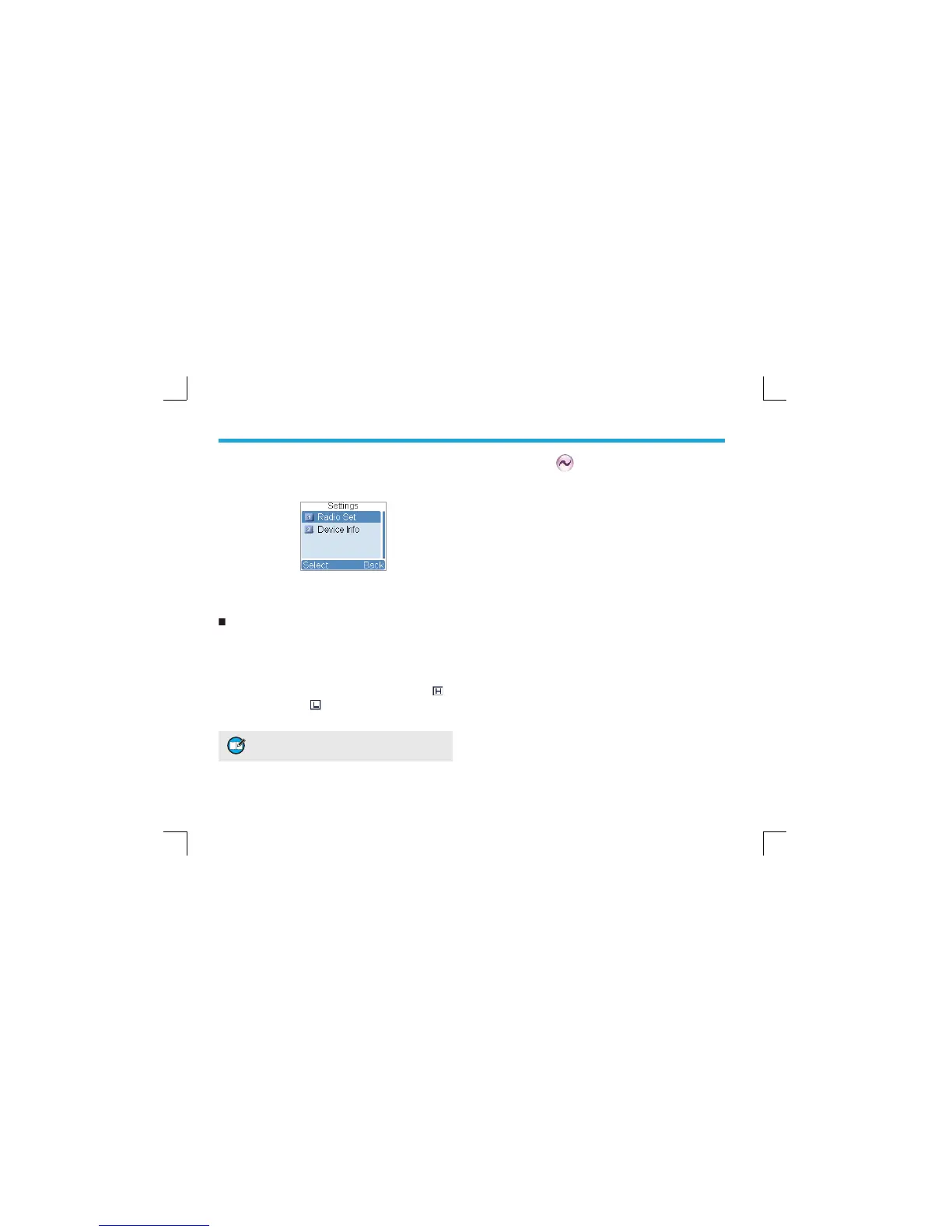
Settings
To access this item, press the Menu key in idle mode and
then select “Settings”.
You can optimize your radio performance by customizing
related parameters according to actual needs and your
preferences.
Radio Set
Power Level
This option allows you to set transmit power level.
Alternatively, you can change the power level by pressing
the shortcut key for Adjust Power Level in idle mode.
There are two levels available: High (indicated by
)
and Low (indicated by
). High power level enables you
to communication with farther team members.
4UZK 6U]KXRK\KRYNU[RJHKYKZLUXKGININGTTKR
OTJO\OJ[GRR_
Squelch Level
This option allows you to select an appropriate squelch
level. Alternatively, you can change the squelch level by
pressing the shortcut key for Adjust Squelch Level in idle
mode. There are three levels available: Tight, Normal and
Open.
The default squelch level is “Normal”, and generally used
in low noise environment.
Generally, “Tight” is used in high noise environment.
It requires stronger signal for the radio to unmute. If
the squelch level is set to Open, the speaker will keep
unmuted irrespective of the satisfaction of decoding
conditions.
Language
To set the language in which all interface information is
displayed. At the moment, this radio only supports two
languages: Simplifi ed Chinese and English.
Backlight
To set the backlight parameters. There are three options
available: On, Off and Timer. The timer is programmed by
your dealer. Available range: 5-60 seconds.
Brightness
To set the display brightness. You can increase or lower it
using the Up or Down key.



 To Next Page