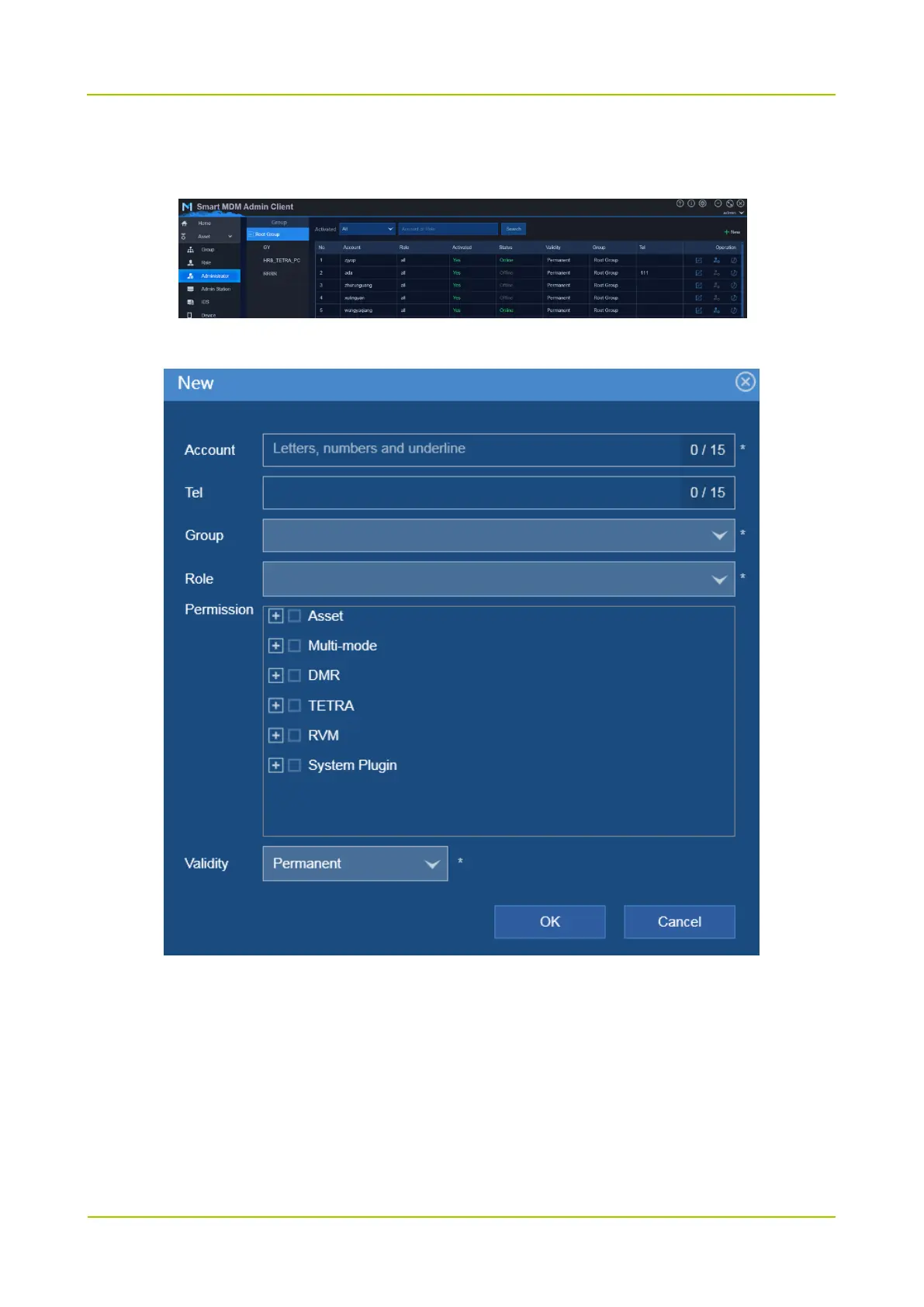
Step 2 Add administrator account.
1. Choose Asset -> Administrator.
2. Click New to configure the administrator information.
3. Click OK.
The default password of administrator is 111111.
2.1.3.4 Add Admin Station
Administrator can use Admin Client on the current PC only after the PC is added as the admin station.
You can add admin station with the following two methods:



 To Next Page
 Loading...






