Method 1: the super administrator directly adds the admin station when the administrator of Admin Client
provides machine code.
Method 2: the administrator requests registration to the super administrator for approval.
Here are the details:
Method 1:
Step 1 Use the account of super administrator to log in to Admin Client.
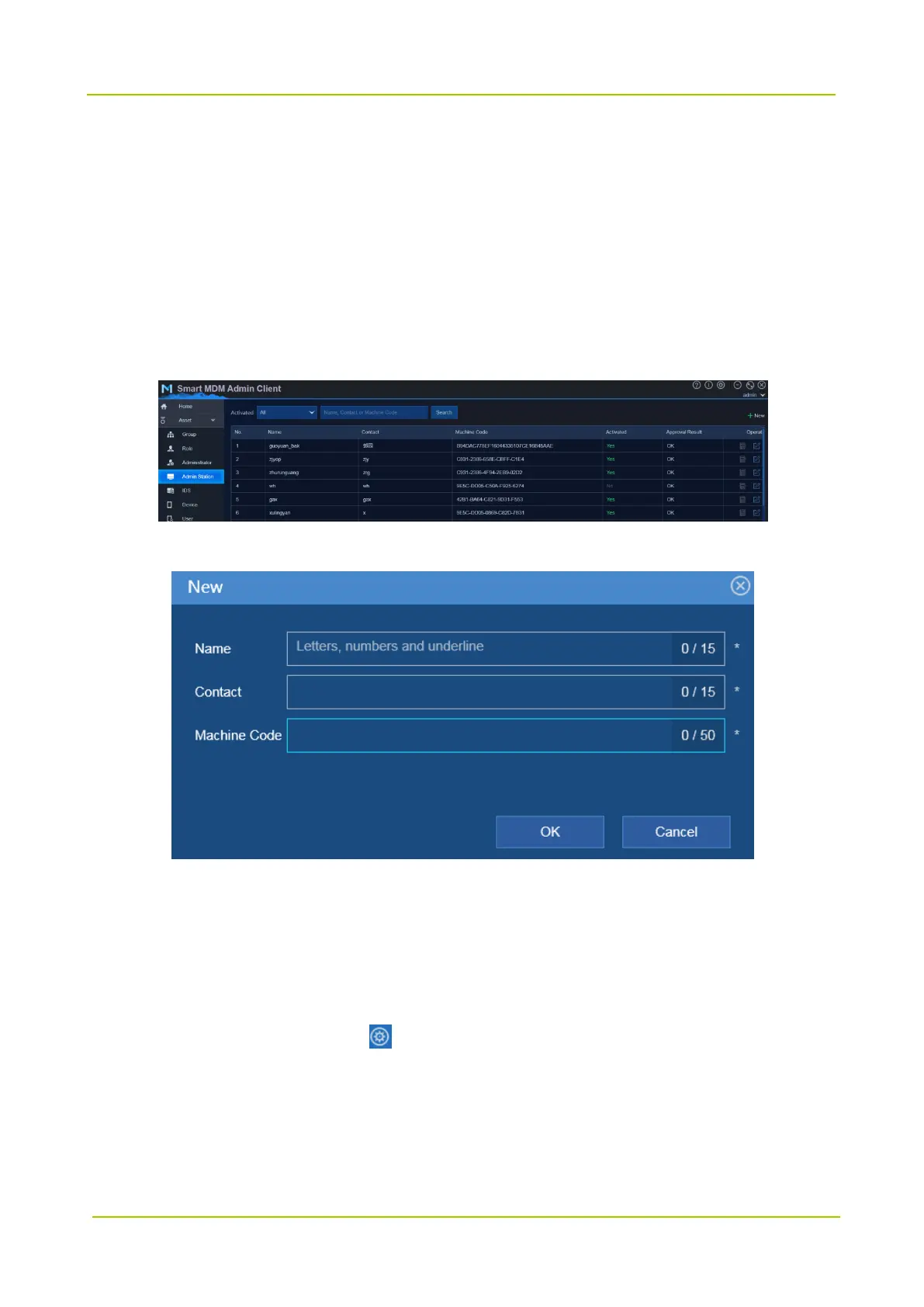
Step 2 Choose Asset -> Admin Station.
Step 3 Click New to configure the admin station information.
Step 4 Click OK.
Method 2:
Step 1 Request the registration of admin station.
1. Start Admin Client and click on bottom right of login window.



 To Next Page
 Loading...






