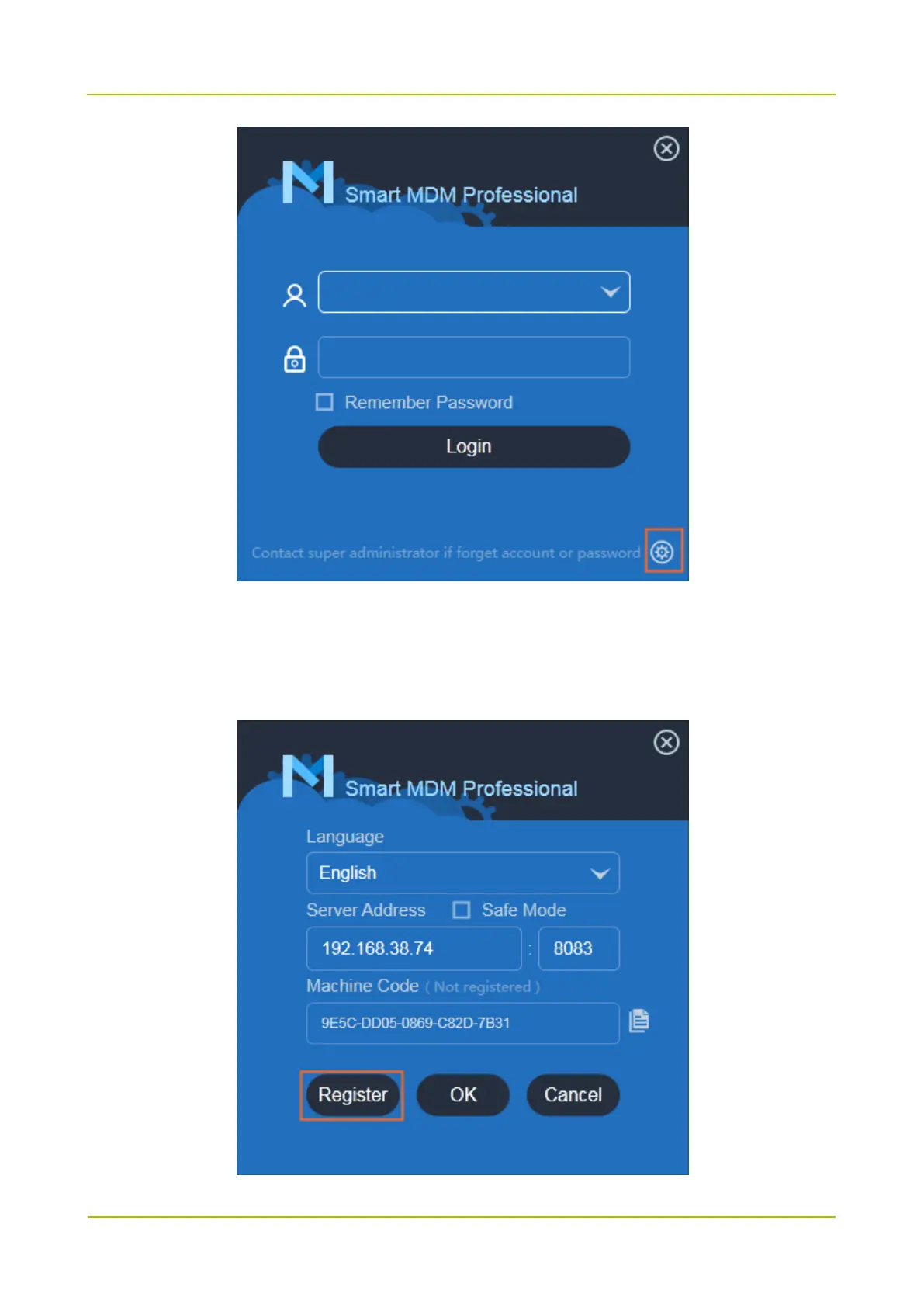
2. Choose the connect mode of Smart MDM server, enter the server address and port, then click
Register.
If the server is in safe mode, check Safe Mode and install the CA certificate. For details, refer to
Smart MDM Professional_Installation and Configuration Guide.
3. Enter Name and Contact, and then click OK.



 To Next Page
 Loading...






