Preparing the measurement
20
1) Open the battery cover on the underside of the
blood pressure monitor.
2) Insert four batteries (AA, alkaline), with the poles
aligned correctly.
3) Close the battery cover.
The blood pressure monitor switches on
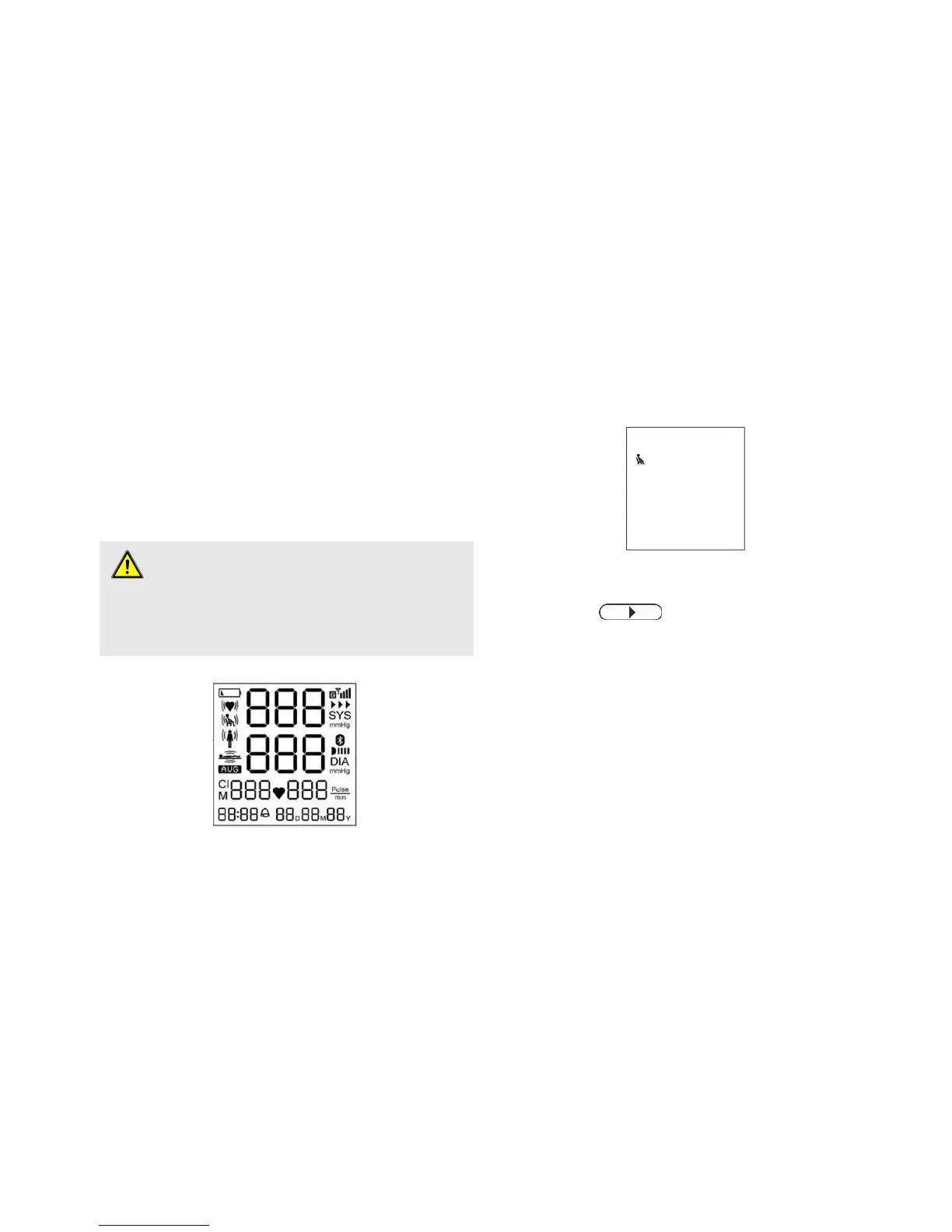
automatically, carries out a display test and
displays the start screen. (see Fig. 5 and Fig. 6).
Fig. 5: Test screen
5.3 Switching the blood pressure monitor
on/off
Switching on
Fig. 6: Start screen
1) Press the
button.
The display shows the start screen (Fig. 6).
Switching off
2) The blood pressure monitor switches off
automatically after about 5 minutes.


 To Next Page