8 Memory
8.1 Saving readings
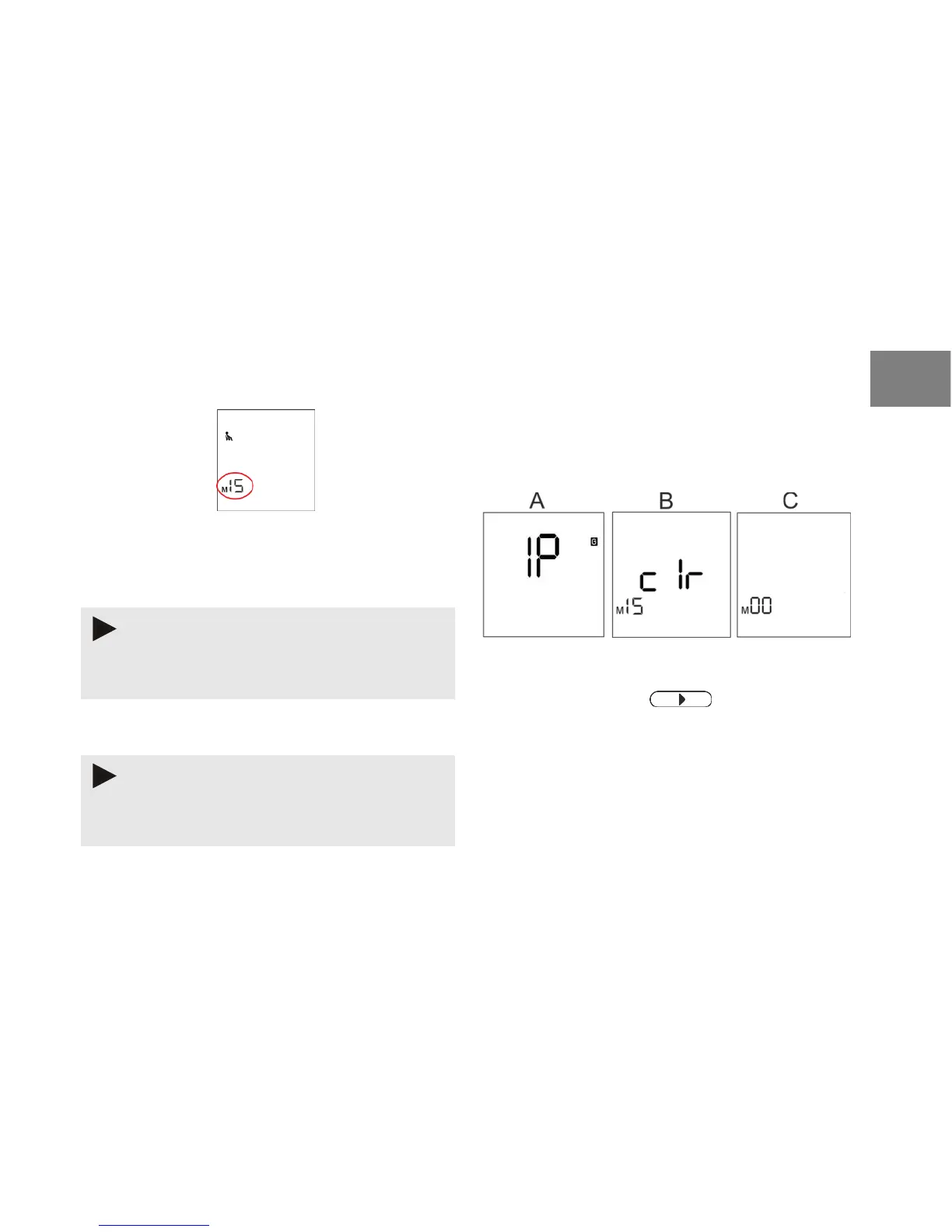
Fig. 10: Number of readings
The blood pressure monitor can save 15 blood
pressure readings and 15 pulse rate readings.
Only readings that have not yet been transferred to
the database are saved.
If there are more than 15 readings, the oldest data will
be overwritten by the new readings.
The data in the database is retained and is not
overwritten.
The number of readings is shown on the display
(Fig. 10).
8.2 Deleting readings from the blood pressure
monitor
To clear the memory on your blood pressure monitor,
proceed as follows:
Fig. 11: Delete measurements
1) Press and hold the button on the blood
pressure monitor for about 3 seconds.
The display shows [IP] (see Fig. 11A).


 To Next Page