25
Saving Audio Files > Saving Audio Files from a Windows
Saving Audio Files from a Windows
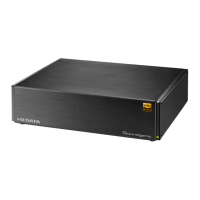
Access this unit from a personal computer running Windows, and
copy audio les to this unit.
●
What to Prepare
• The personal computer should be connected to the same rout-
er as Soundgenic.
Install "LAN DISK CONNECT".
This is an application to access Soundgenic.
Please access the following Web page, and install it on your
personal computer.
https://www.iodata.jp/ssp/soundgenic/en/#landiskconnect
●
Procedure
1
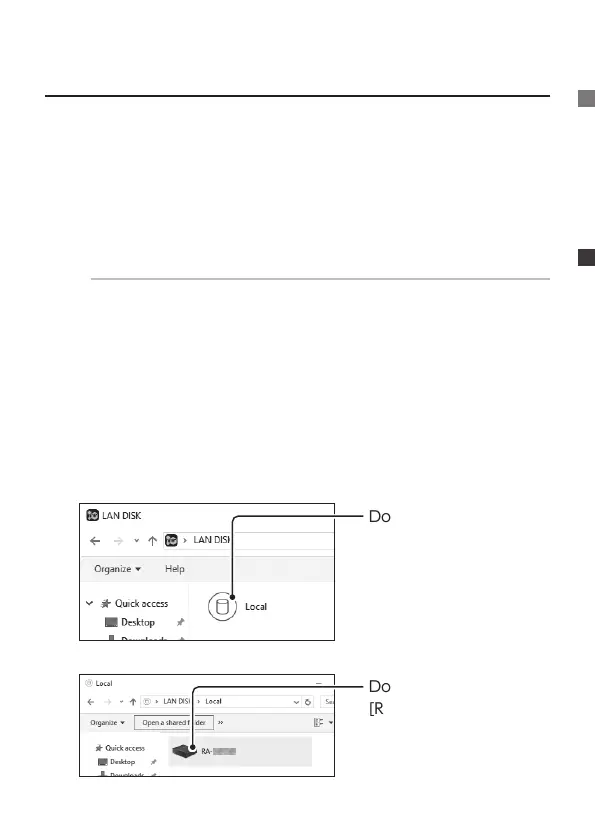
Start [LAN DISK] on the desktop.
2
Double-click [Local].
3
Double-click
[RA-xxxxxx].


 To Next Page