27
Saving Audio Files > Saving Audio Files from a macOS
Saving Audio Files from a macOS
Access this unit from a personal computer running a macOS, and
copy audio les to this unit.
●
What to Prepare
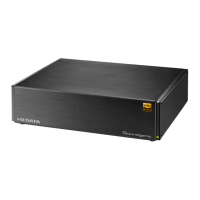
• The Mac should be connected to the same router as Sound-
genic.
Install "LAN DISK CONNECT".
This is an application to access Soundgenic.
Please access the following Web page, and install it on your
Mac.
https://www.iodata.jp/ssp/soundgenic/en/#landiskconnect
●
Procedure
1
Launch the Finder.
2
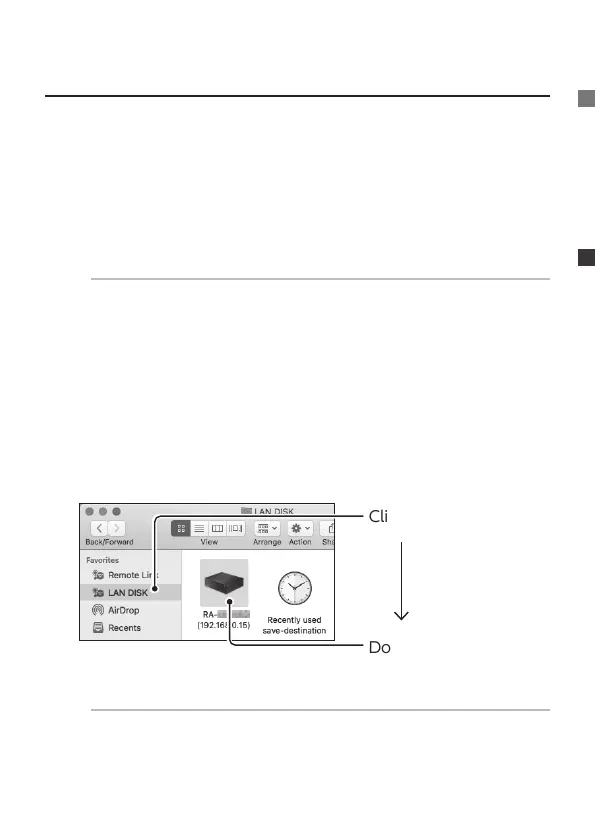
Click [LAN DISK].
Double-click
[RA-xxxxxx].
IF the [RA] is not shown.
Connect the Mac on which settings are to be made to the
same router as the one used by this unit.


 To Next Page