35
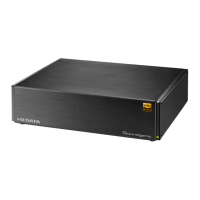
Music imported to Soundgenic’s internal disc can be saved on a
connected USB HDD.
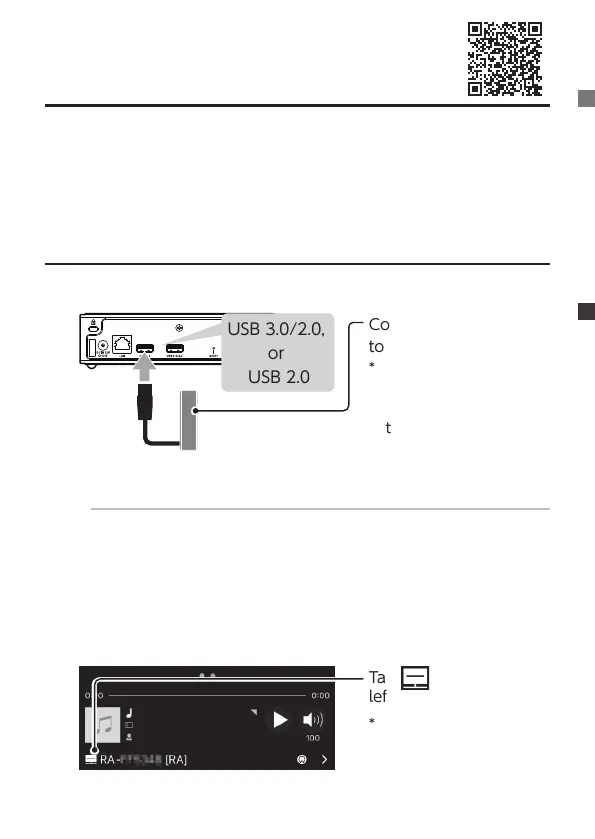
Registering a USB HDD for backup
1
USB 3.0/2.0,
or
USB 2.0
Connect the USB HDD
to use for backup
* Use a USB HDD with
a capacity that is the
same or greater than
the capacity of Sound-
genic.
Caution: Do not connect another USB device in this procedure
The USB HDD (for backup) is registered for backup, and the
data inside it is erased. To prevent accidentally erasing your im-
portant data, connect only 1 USB HDD with this operation.
2
Launch data Music App
3
Tap on the lower
left
* When not displayed
on the lower left, ick
the screen to switch
screens.
Backing up music
Detailed Manual »


 To Next Page