4
▼
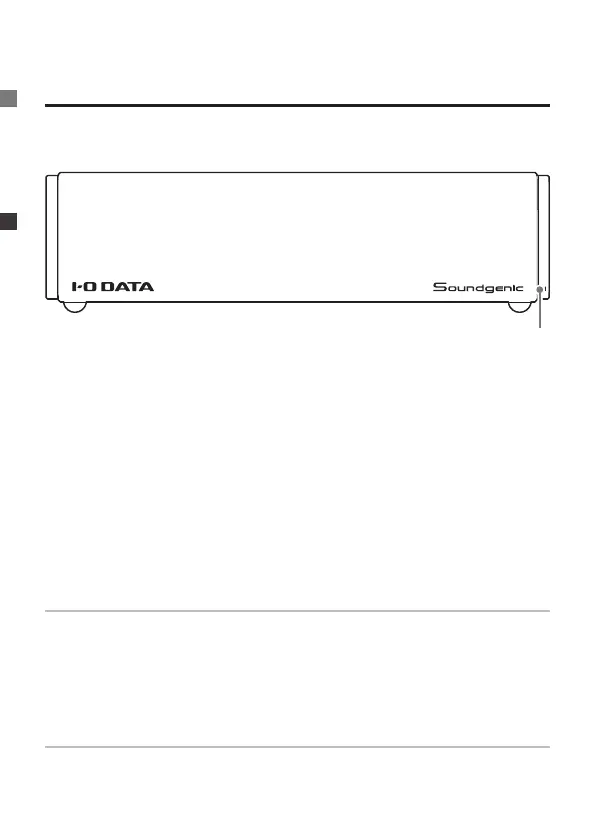
Front
Names and Functions of Each Part
Red light
This may indicate a problem with the built-in disk, an inability to lo-
cate a USB HDD, or insufcient capacity of the back-up USB HDD.
If it is not resolved by removing the USB HDD, contact the customer
service centre of your sales representative.
Orange light
Perform the power off operation. A rmware update will begin.
Do not stop the power supply until after the power lamp goes out.
1. Indicator ........................ Green light: Power is on
Green blinking light: Starting up and stop-
ping, processing settings, recognising music
CD
Red light: Error
Orange light:
The rmware can be updated
Orange blinking light: Updating rmware
Unlit: Power is off
1


 To Next Page