However if you have access to a lighting desk a quick and easy way to create multiple or complex
memories is to give the light the desired colour information using a lighting desk or similar DMX
generating device and use the STORE function.
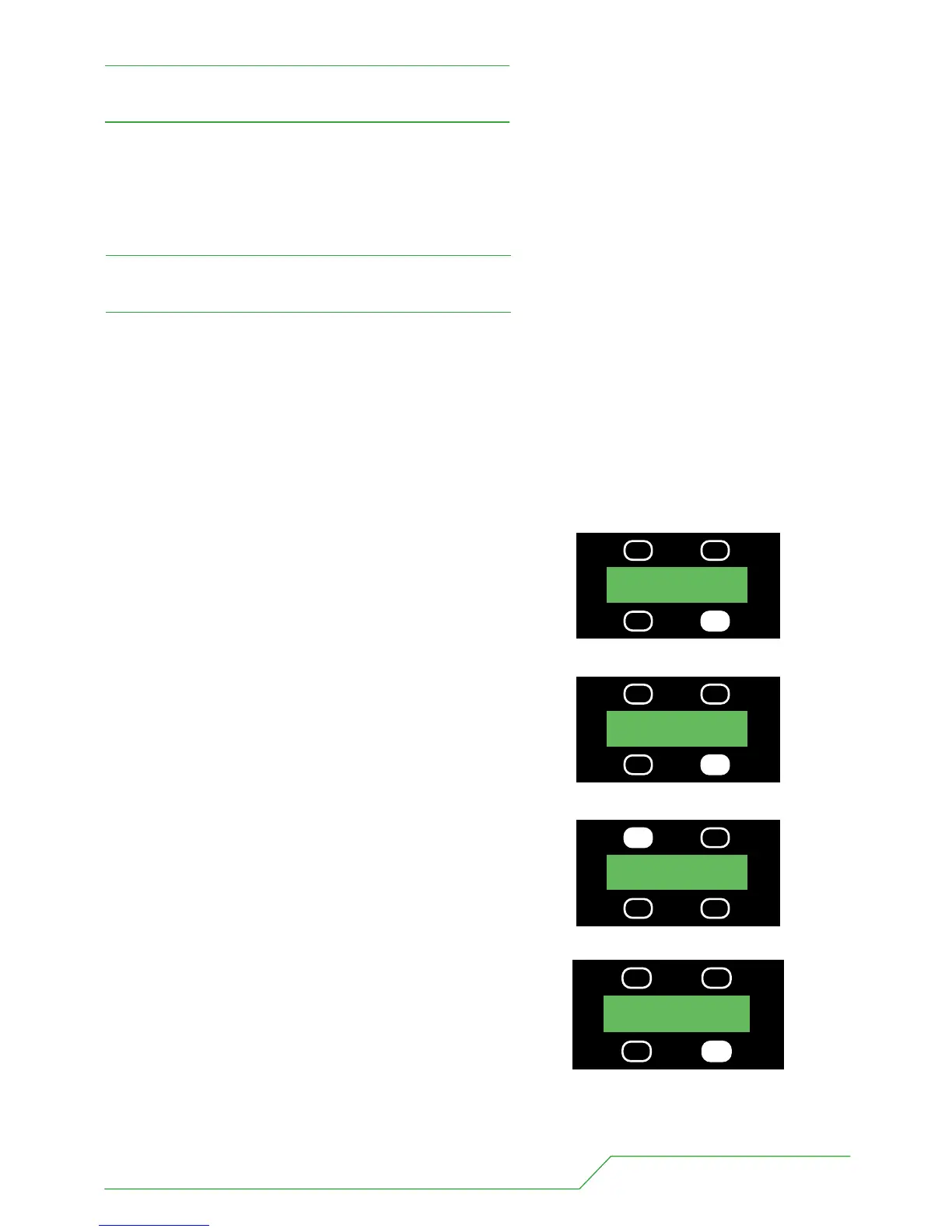
1 Connect the light to the desk in the usual way making sure the address is correct and the lamp is in MODE 3.
2 Create the desired colour on the lighting desk.
3 Press the button underneath the MORE legend once.
4 Press the button underneath the STORE legend once.
5 You should then assign this memory a number using the
UP, DOWN buttons.
6 When you are happy this memory has been numbered
correctly press the STORE button wait 3 seconds and the
display will return to the main menu.
BB7 USERS MANUAL - PAGE 13
Stand alone functions
UP MEN 01
DOWN STORE
PRESS
MODE 3 5CH MORE
ADDR 001
PRESS
UP MEN 04
DOWN STORE
PRESS
UP MEN 04
DOWN STORE
PRESS
The BB7 is able to run in a stand alone mode without any need of data from a lighting desk. The light is
capable of outputting up to 20 programmable memories and 1 chase that steps through these memories.
“The light must be in MODE 3 (5ch) for all the stand alone functions to work.”
Storing a DMX Input as a Memory


 To Next Page