BB7 USERS MANUAL - PAGE 15
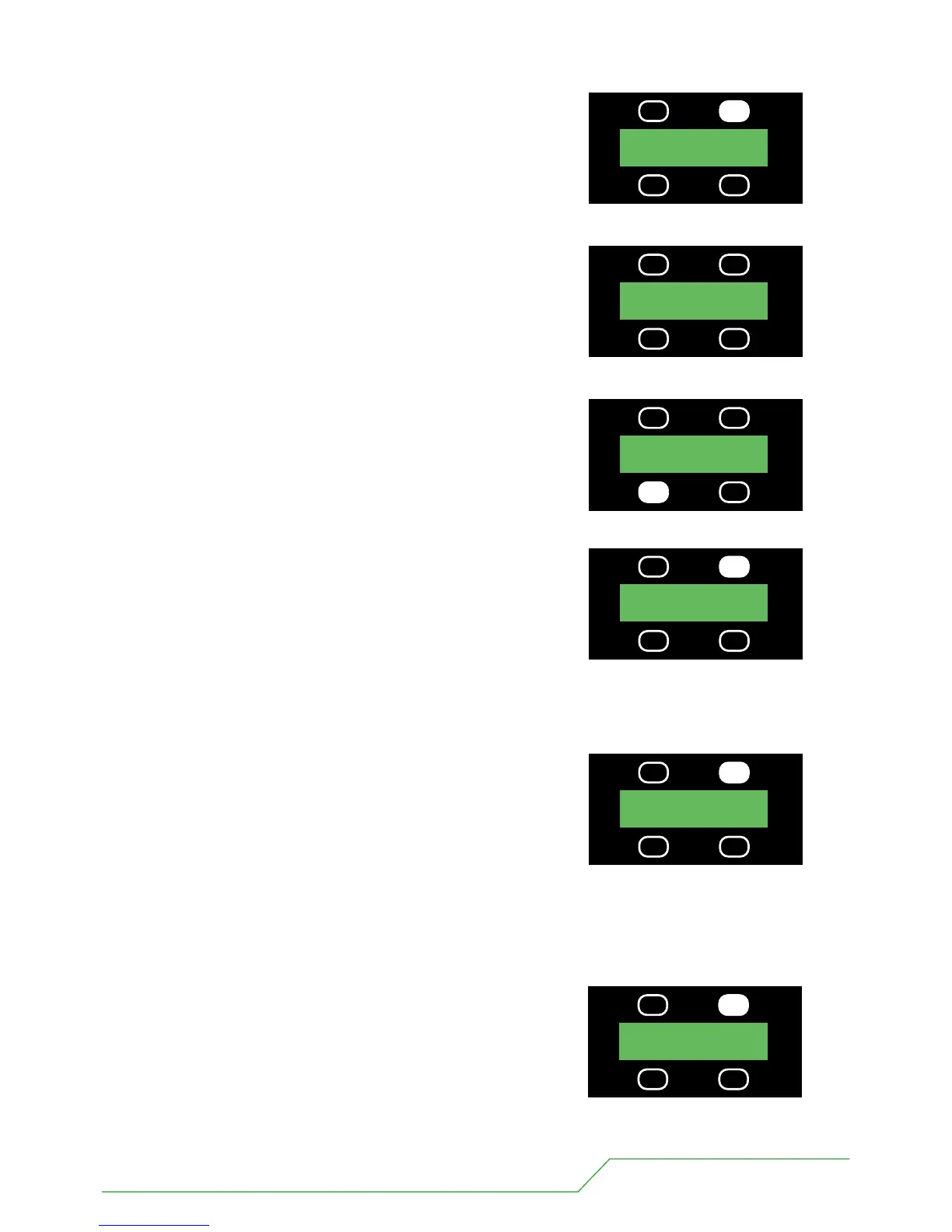
5 When happy with the STRB value press the button above STRB once.
Now you are presented with the first colour RED (default 0%).
In the same way if you wish to alter this value use the UP, DOWN
buttons to give you the desired %. If you require 100% press the
DOWN button.
6 When happy with the RED value press the button above RED once.
Next you are presented with the second colour GREEN (default 0%)
In the same way if you wish to alter this value use the UP, DOWN buttons to give you the desired %
If you require 100% press the DOWN button.
7 When happy with the GREEN value press the button above
GREEN once.
Finally you are presented with the third colour BLUE (default 0%).
In the same way if you wish to alter this value use the UP, DOWN buttons to give you the desired %.
If you require 100% press the DOWN button.
8
BLUE once.
When happy with the BLUE value press the button above
UP RED 000%
DOWN
UP STRB 000%
DOWN
PRESS
UP RED 100%
DOWN
PRESS
UP RED 100%
DOWN
PRESS
UP GREEN000%
DOWN
PRESS
UP BLUE 000%
DOWN
PRESS


 To Next Page