30
ETC(Other) settings
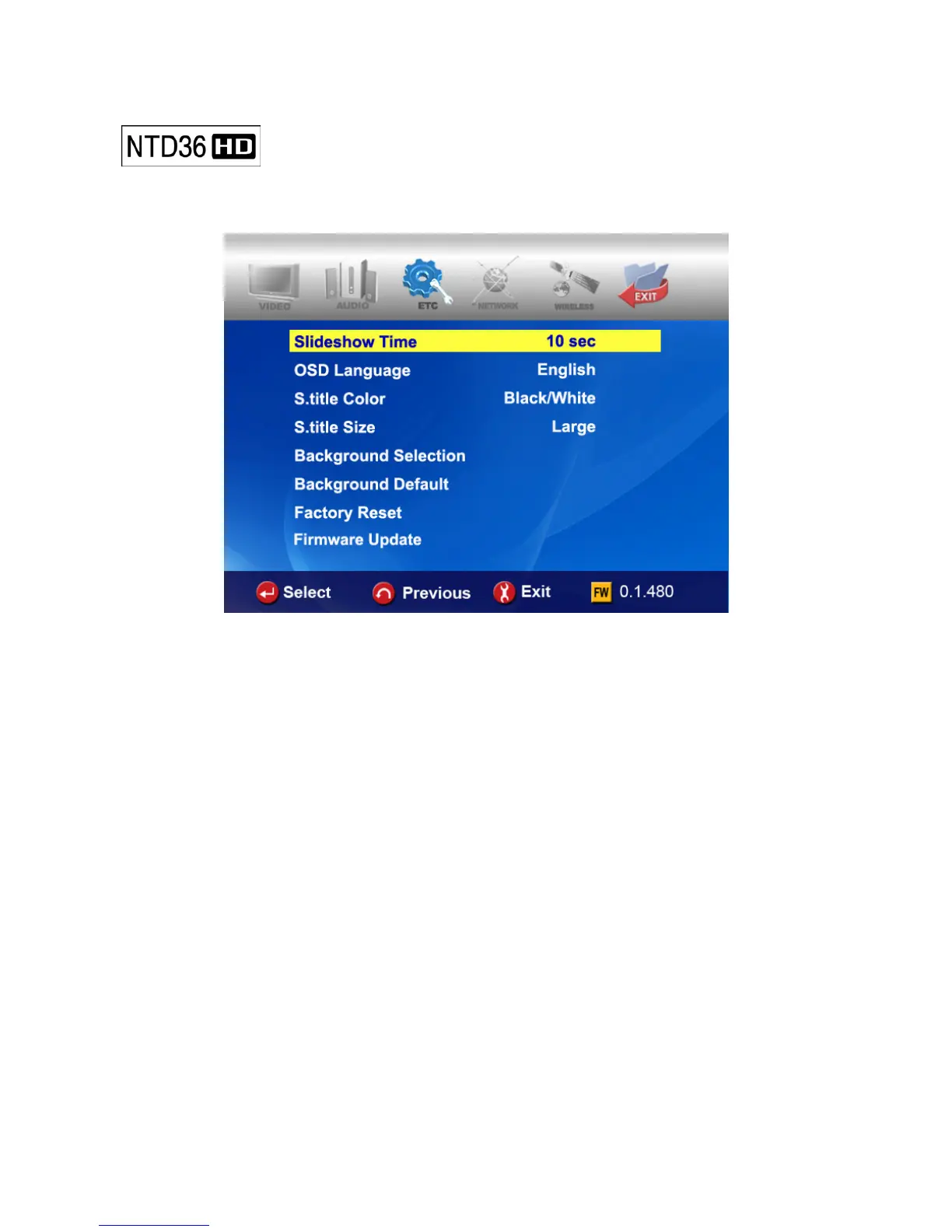
In SETUP Menu, if selecting ETC icon, sub items are listed up like below picture.
• Slideshow Interval : To control time delay for displaying next picture file during
slideshow. 3sec, 5sec, 10sec ~ 60sec (total 9 levels)
• OSD Lang. : To change OSD languages.
• Sub. Color : To change subtitle color when playing back a moving picture.
total nine(9) kinds available.
• Sub. Size : To change size of subtitle when playing back a moving picture.
total two(2) kinds(Large/Small) available.
• User defined background : To change the background of main menu with other picture
file that you want. You choose a picture file in the basic
HDD or in folder through network.
• Use default background : To use original background by canceling the user defined
background.
• Factory reset : To clear all values set by user and to initialize NTD36HD with values set
at factory.
• Firmware Update: To select firmware bin file and to update with new firmware.



 To Next Page