23
Tech Support: (877) 591-2491
5) If after 1 minute the LED on the LightSpeaker
®
has not turned “GREEN”, repeat steps 1-4.
a) If after 2 attempts the LED on the
LightSpeaker
®
fails to turn green, try relocating
the Transmitter closer to the LightSpeaker
®
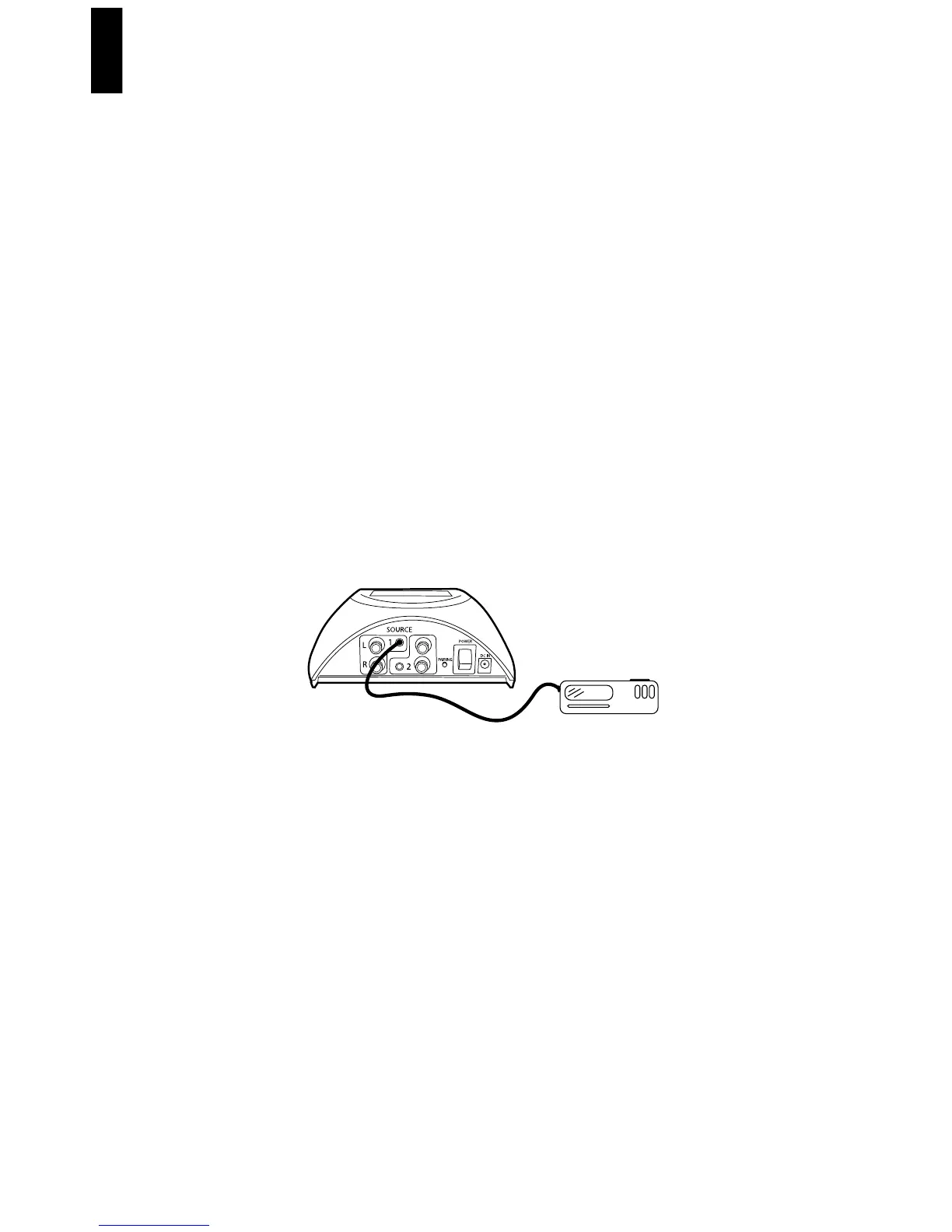
Step 10: Plugging in your sources.
Using the supplied audio cords, plug your MP3, CD Player,
television or other desired sources to the back of the
transmitter.
Attach 1 or 2 audio sources.
A) Locate the sources you want to use. They will have
audio level outputs on them. Typically these are RCA
or stereo headphone type jacks. You will need to have
the proper cable from the source you want to attach
to the Transmitter. You have two choices:
1) RCA to RCA cable
2) RCA to Stereo Mini Plug Cable
MP3



 To Next Page