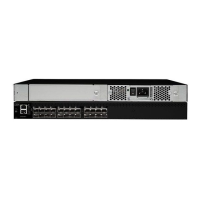
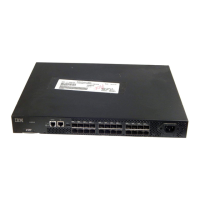
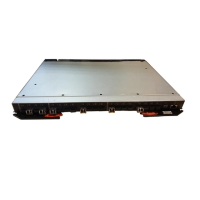
Installing a SAN16B-2 into an EIA cabinet
Attention: Refer to “Rack safety” on page xiii for danger and caution notices
related to rack and cabinet installations.
You can install the rack mount kit in either of two ways:
v To allow the port side of the switch to slide out of the exhaust-air side of the
cabinet. In this installation, the port side of the switch is flush with the edge of the
cabinet.
v To allow the non-port side of the switch to slide out the cool-air side of the
cabinet. In this installation, the port side of the switch is set 3 in. (7.62 cm.) back
from the edge of the cabinet, allowing a more gradual bend in the fiber optic
cables.
Time required
Approximately 30 minutes
Items required
You need the following items to install the switch in a slide-rail rack:
v Straight slot screwdriver
v Rack space: 1.5 EIA units of rack space, 48.26 cm (19 in.) wide, and 60.96 cm
(24 in.) deep
v Two power cables that are provided with the switch
v Two power outlets
v Rack mount kit
Attention: Use the exact screws specified in the procedure for use with the
switch chassis. Using screws longer than 3/16 in. can damage the switch. The
different types of screws are listed in Table 4 on page 11.
Note:
Make sure that you tighten all screws used in this procedure.
Installation instructions
To install the switch in a slide-rail rack that meets EIA standards, use the following
procedure.
Note: These procedures use parts that are included in the rack-mount kit. These
parts are listed in Table 4 on page 11. The installation procedure
cross-references the items in this table. Be sure to use the referenced parts
when you perform each step.
Before you start the rack-mount installation process, locate the rack-mount slides
and the mounting bracket that are provided in the shipping container.
Figure 3 on page 11 shows the rack assembly. The number keys, such as 1, refer
to the items listed in Table 4 on page 11.
10 SAN16B-2 Installation, Service, and User’s Guide



 To Next Page
 Loading...