Biotech-Lab User Manual \\ 10www.ibpmedical.com
4.2 INSTALLATION HDC75
The HDC75 comes completely ready to work with, no installation is required.
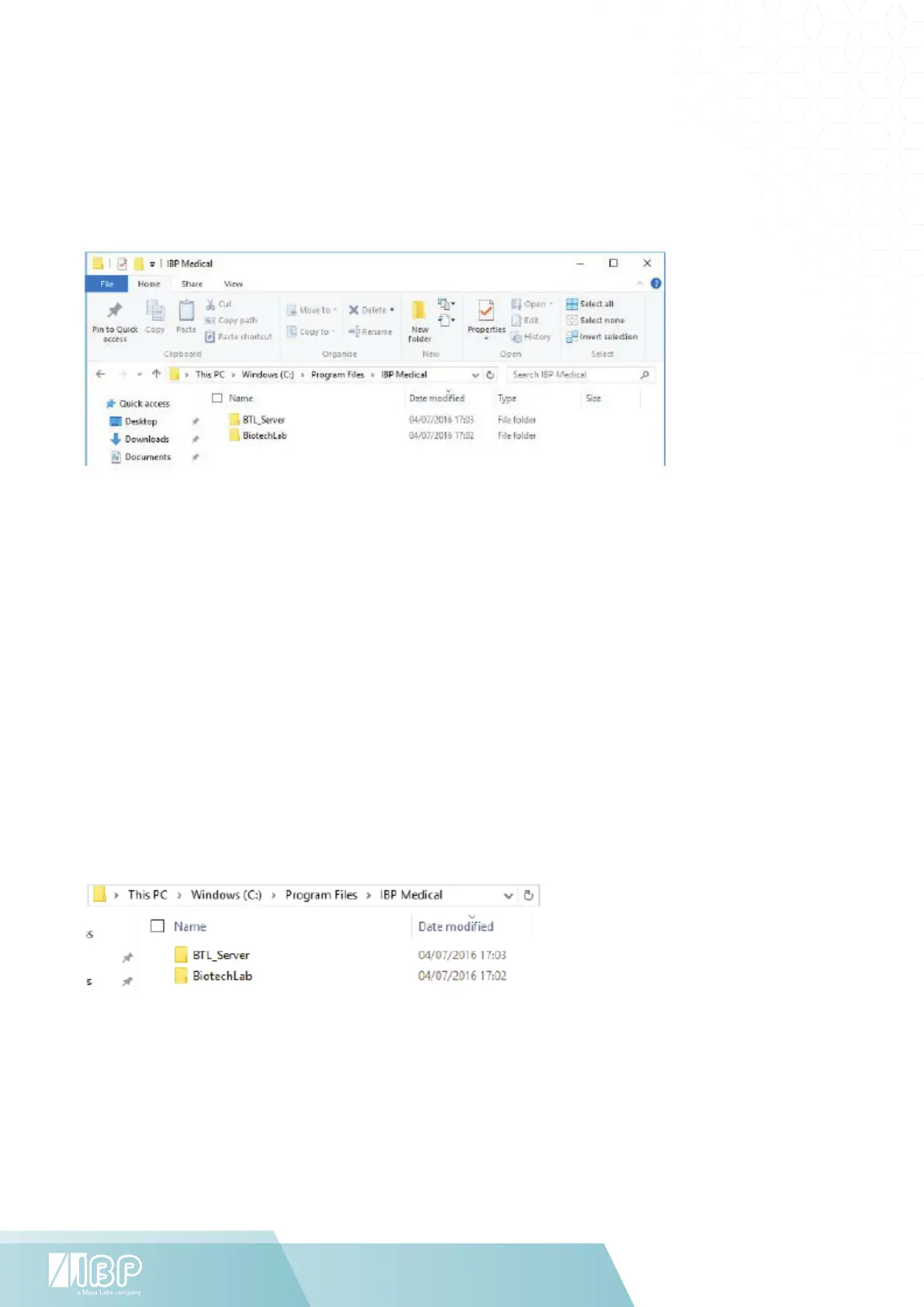
The basic program installation is in C:/Program Files/IBP Medical/.
Each Biotech-Lab App has a system file in C:/Users/accountname/IBP Medical/system directory.
4.3 INSTALLATION PC
For PC’s is a special version of the Biotech-Lab available.
Download the software and start setup.exe program. The different Biotech-Lab App’s must be installed separately.
4.4 SOFTWARE UPDATE
For software updates please navigate to http://www.ibpmt.com/btle.shtm.
Just download the Apps you want to update and copy it into related folders in C:/Program Files/IBP Medical/.


 To Next Page