Camera Mode Selections
Default (Hi) resolution
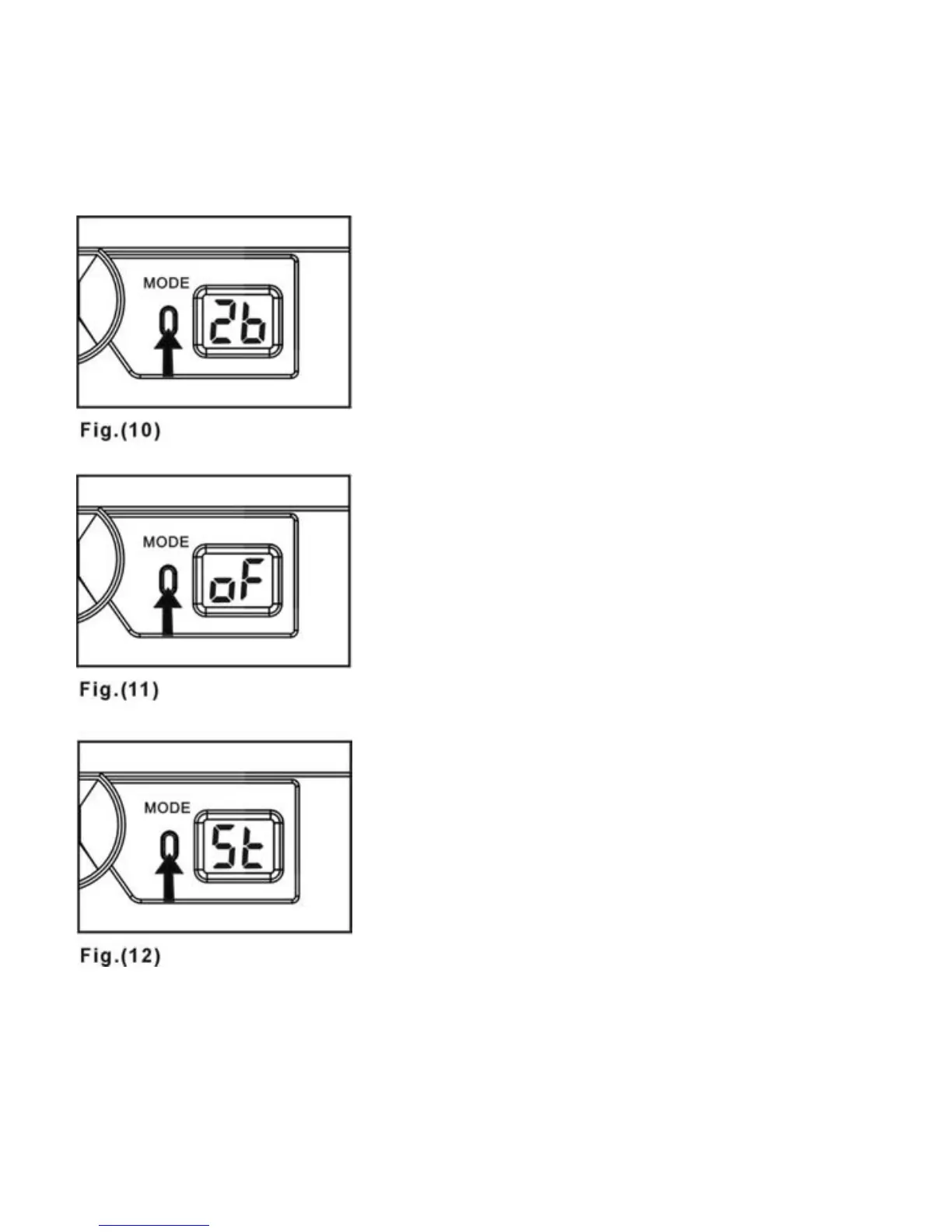
The camera can take 26 photos in
“Ld” storage format without
compression. If it is in “Hd ”
compression mode, the camera
can take 52 shots--Fig. 10.
Power Off
Press the MODE BUTTON once
to enter shut down mode--Fig. 11
then press the SHUTTER
RELEASE BUTTON to turn off the
camera.
Self Timer
Press the MODE BUTTON twice
to enter self-timer mode--Fig. 12,
then press the SHUTTER
RELEASE BUTTON. There is a 10
second shooting delay. During this
interval, you will a “beep” every
second.
11



 To Next Page