Downloading Movie Images
1. Follow the same procedures for
DOWNLOADING STILL IMAGES
described above in the first method
to download the movie images.
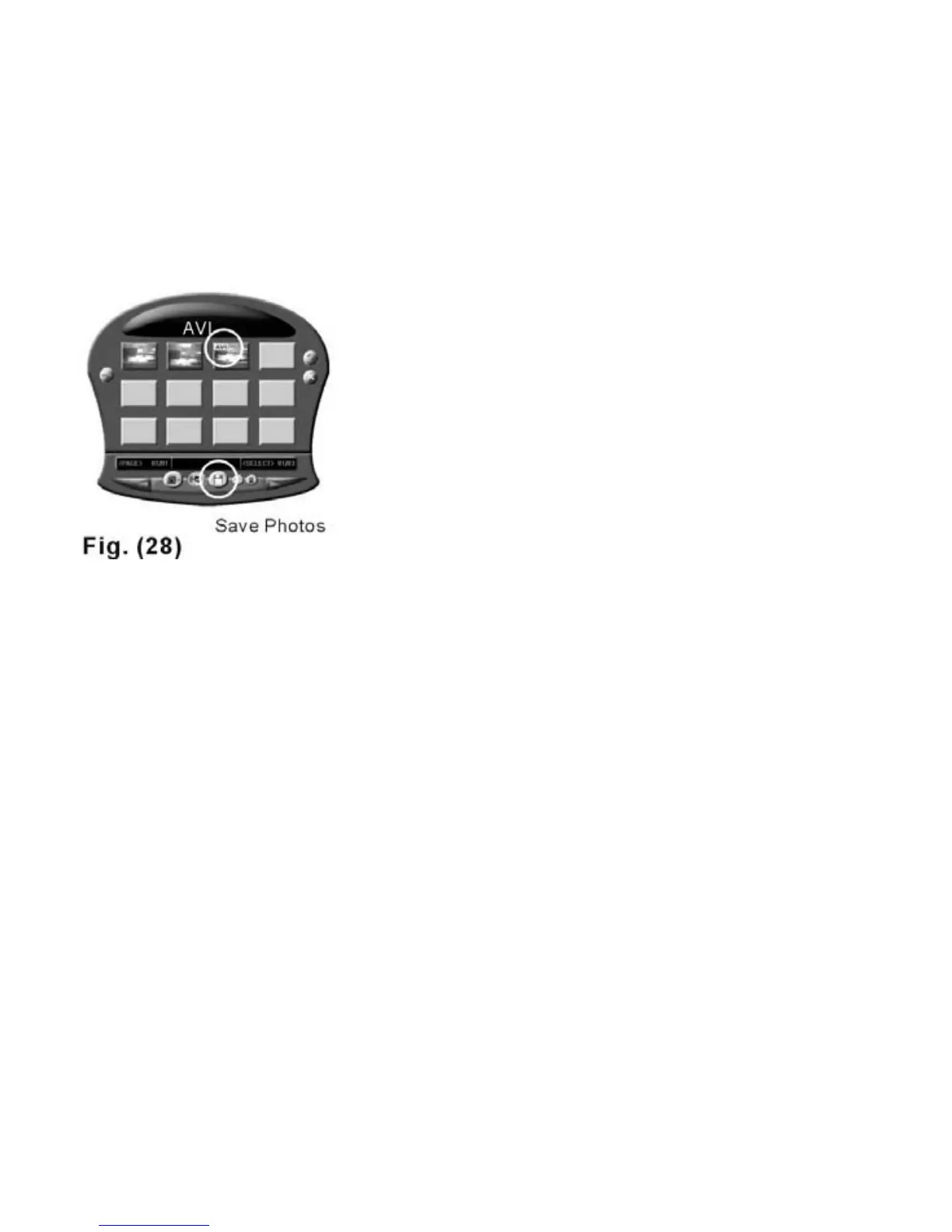
2. After downloading the images, a
thumbnail labeled “AVI” on the top,
left corner will appear on the
download wizard--Fig. 28.
3. Select the files you want and save
them to a designated folder.
The movie images will be saved
in AVI format directly.
20



 To Next Page