Battery Installation
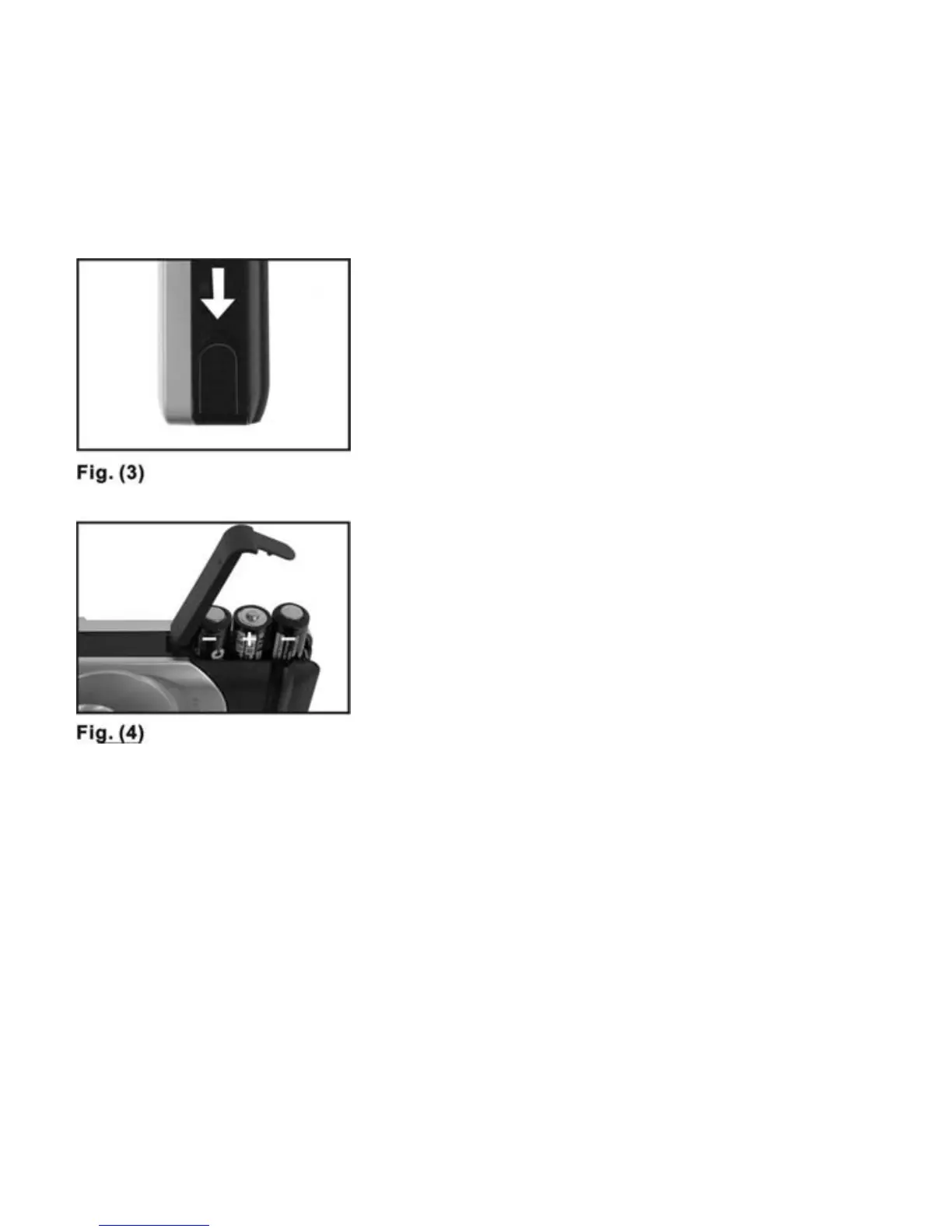
1. Open the BATTERY DOOR--Fig. 3.
2. Insert three AAA alkaline batteries
into the battery compartment with
the polarity in the direction
shown--Fig. 4.
Please Note the Following:
When the batteries are low, you will
see the indication on STATUS LCD
continuously blinking.
Always download photos to a
computer prior to replacing the
batteries to avoid memory loss.
Do not use both old and new batteries
together. Replace all the batteries at
the same time.
It is recommended that you remove the
batteries if the camera is not going to
be used for some time. This will save
the battery life.
7



 To Next Page