PC Camera/Web Cam
1. Plug the USB cable into both the
camera and the computer properly.
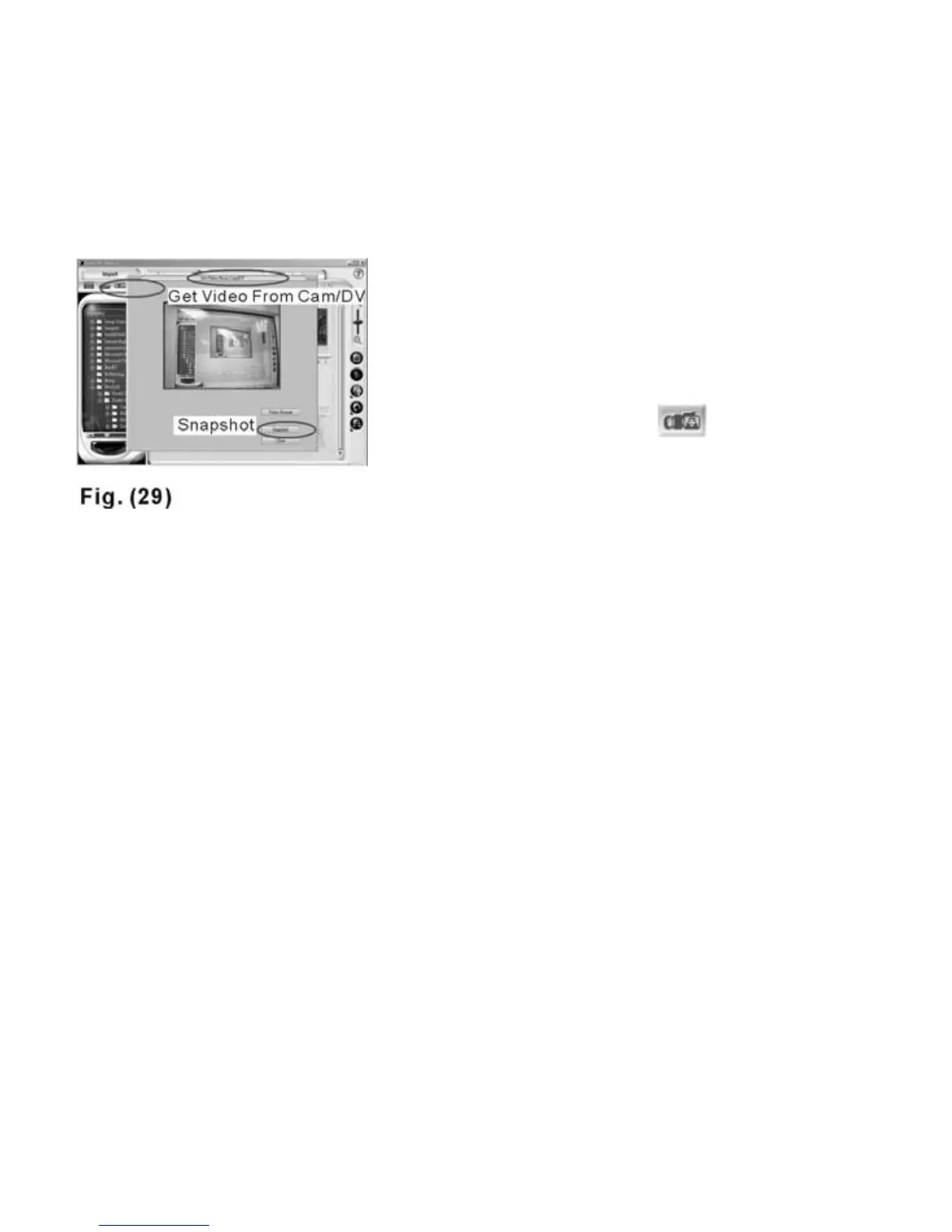
2. Open Mr. Photo 3 and select
the icon “Get Video from Cam/DV”
3. Select “Dual Mode DSC (2770)”
4. Click “Start” and “Stop” for acquiring
Video
5. Click “Snapshot” to capture still
images--Fig. 29.
The camera is designed to be a
web cam (PC Camera) and is
compatible with Microsoft
NetMeeting software.
21



 To Previous Page