Taking Photos
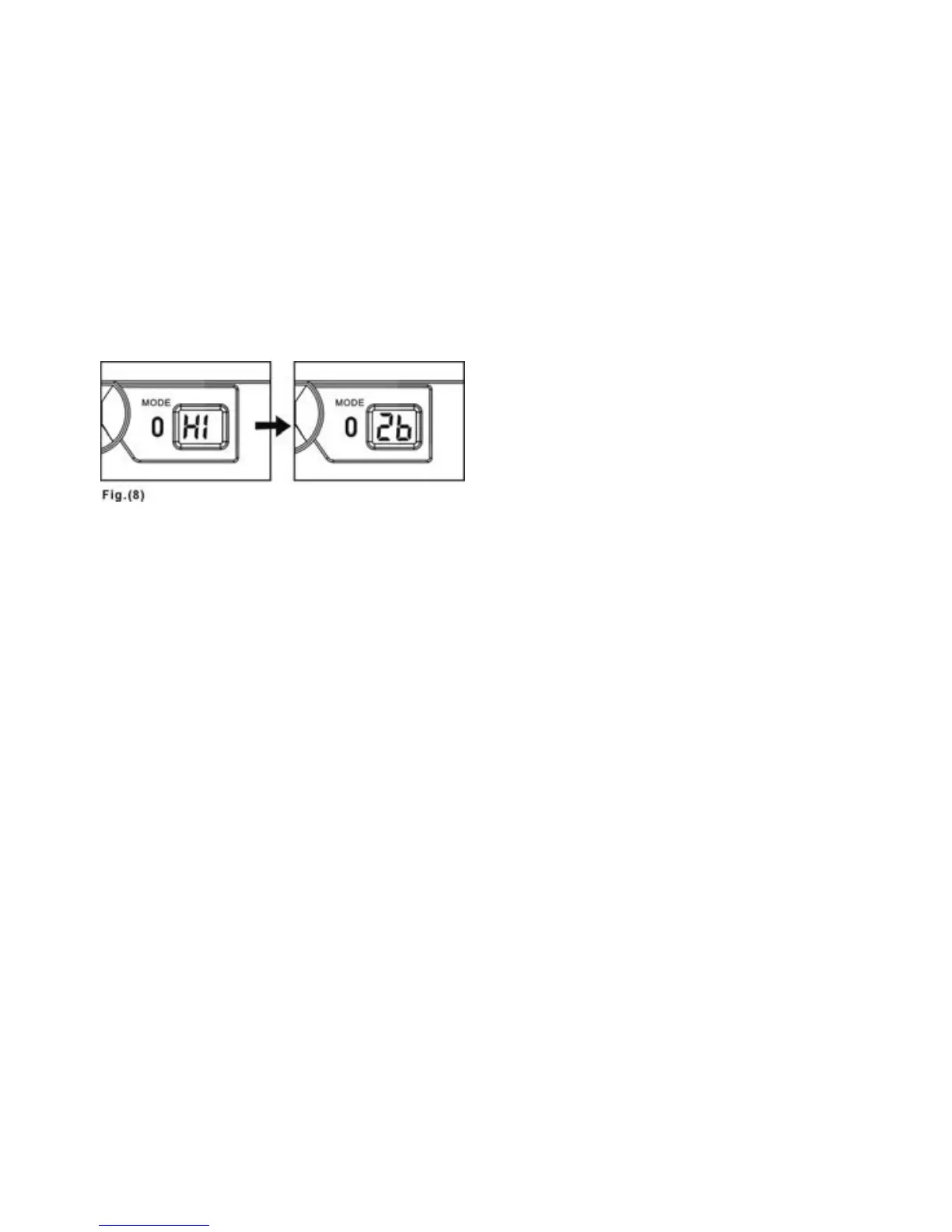
Once the camera is turned on “Hi” will appear and the frame number “26”
will immediately appear afterwards on the STATUS LCD--Fig. 8. If there are
images already saved in the camera, the frame number will indicate how
many shots are still available on the camera.
1. Look through the VIEWFINDER to frame the subject of the photo.
2. Press the SHUTTER RELEASE BUTTON to take a photo.
3. The frame number shown on the STATUS LCD indicates how many shots are still
available before the memory is full. The camera will automatically perform a
countdown after each shot is taken, shown on the STATUS LCD.
4. When a photograph is taken, you will hear a single, short “beep”. After the
“beep”, the camera will be ready to take another photo.
Please Note the Following When Taking Photos:
If the environment is too dark to achieve acceptable image quality, the camera’s self
detection device will prevent you from taking photos.
Whenever you hear two “beeps”, it means that either the memory is full or that the
light is not bright enough. No photos can be taken in either situation.
9



 To Next Page