Downloading Still Images-
2nd Method
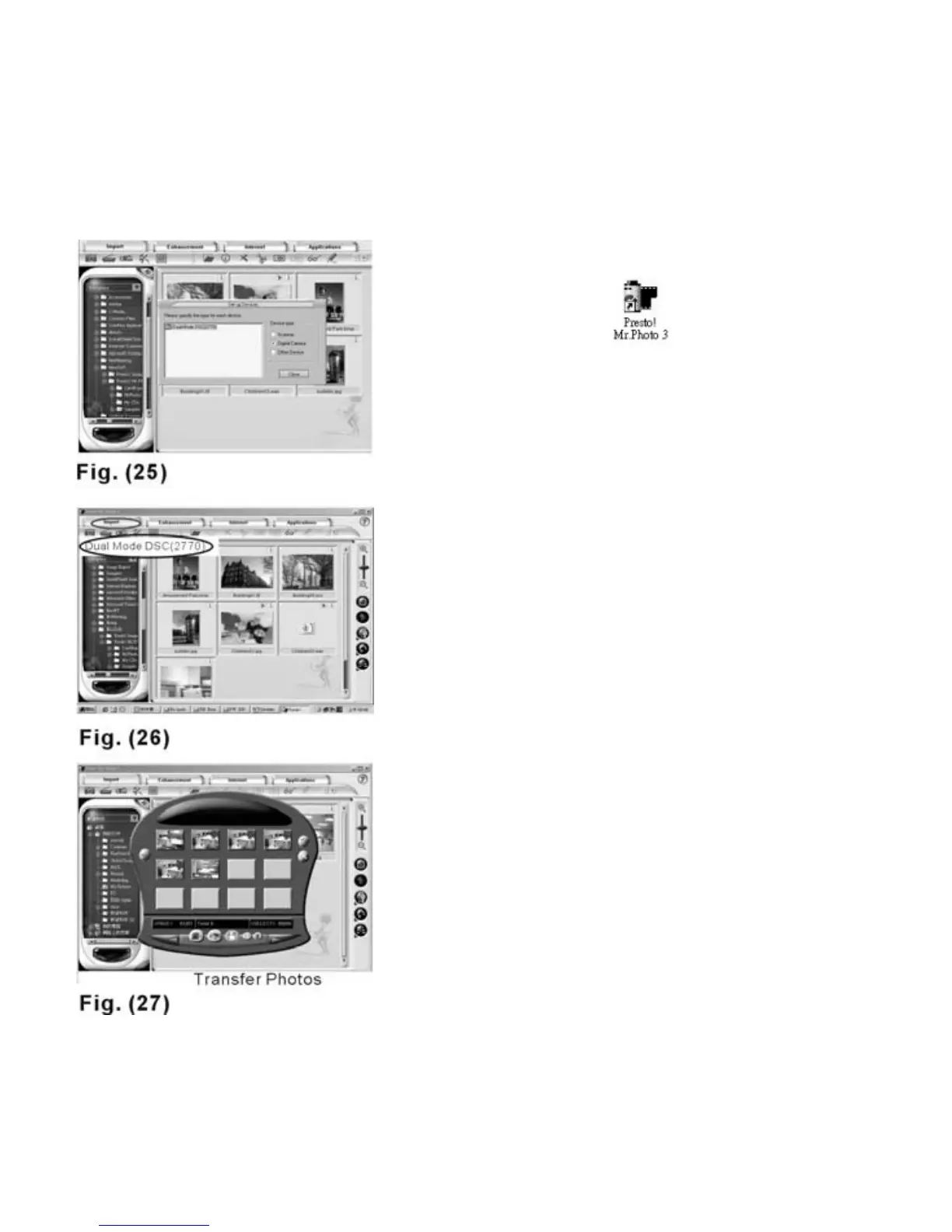
1. Open Mr. Photo 3
2. Please select “Digital Camera” as
the device type--Fig 25.
3. Download the images by clicking the
“Import” icon and choosing
“Dual Mode DSC (2770)”--Fig 26.
Then the wizard will appear--Fig. 27,
and click “Download
Photos”. Select the images you want
to save and click the “Transfer
Photos” icon--Fig. 27. Now the
images can be transferred to ”Mr.
Photo” directly and the images will
be saved in JPEG format.
4. Now, you can review and edit your
still photos via Mr. Photo 3.
19



 To Next Page