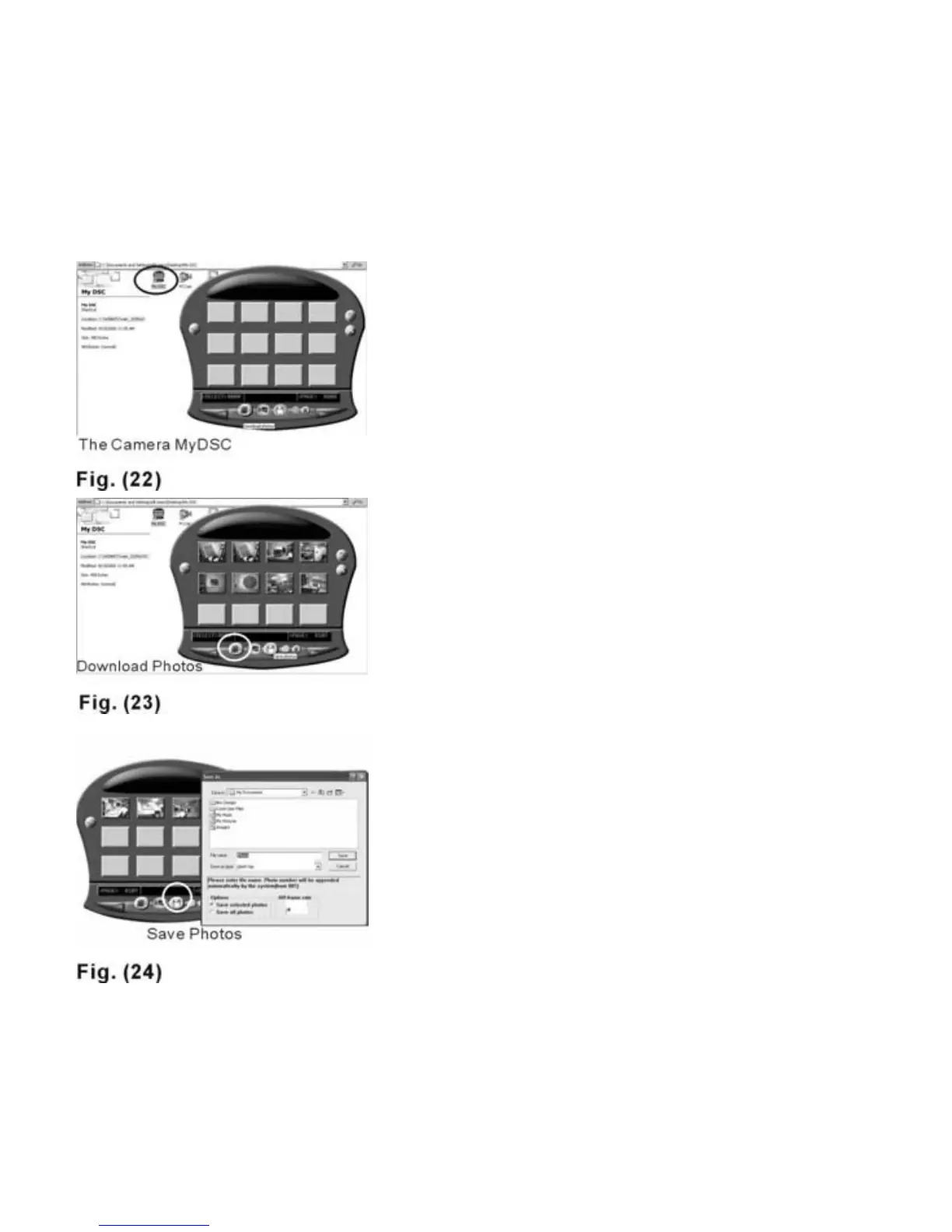
Downloading Still Images-
1st Method
Flash
1. Plug the USB cable into both the
camera and the computer
properly.
2. Double click on the “My DSC”
folder on your desktop.
3. Double click on the “My DSC”
icon. The download and editing
wizard will appear on the
screen--Fig. 22.
4. Click on “Download Photos” to
download the images stored in the
camera--Fig. 23. The downloaded
thumbnail images can be
enlarged by clicking the right
mouse button. Select the images
you want to save and click “Save
Photos” to save them to a
designated folder--Fig. 24.
The still images will be
saved in JPEG format.
18



 To Next Page