Camera Mode Selections
Enable Compression
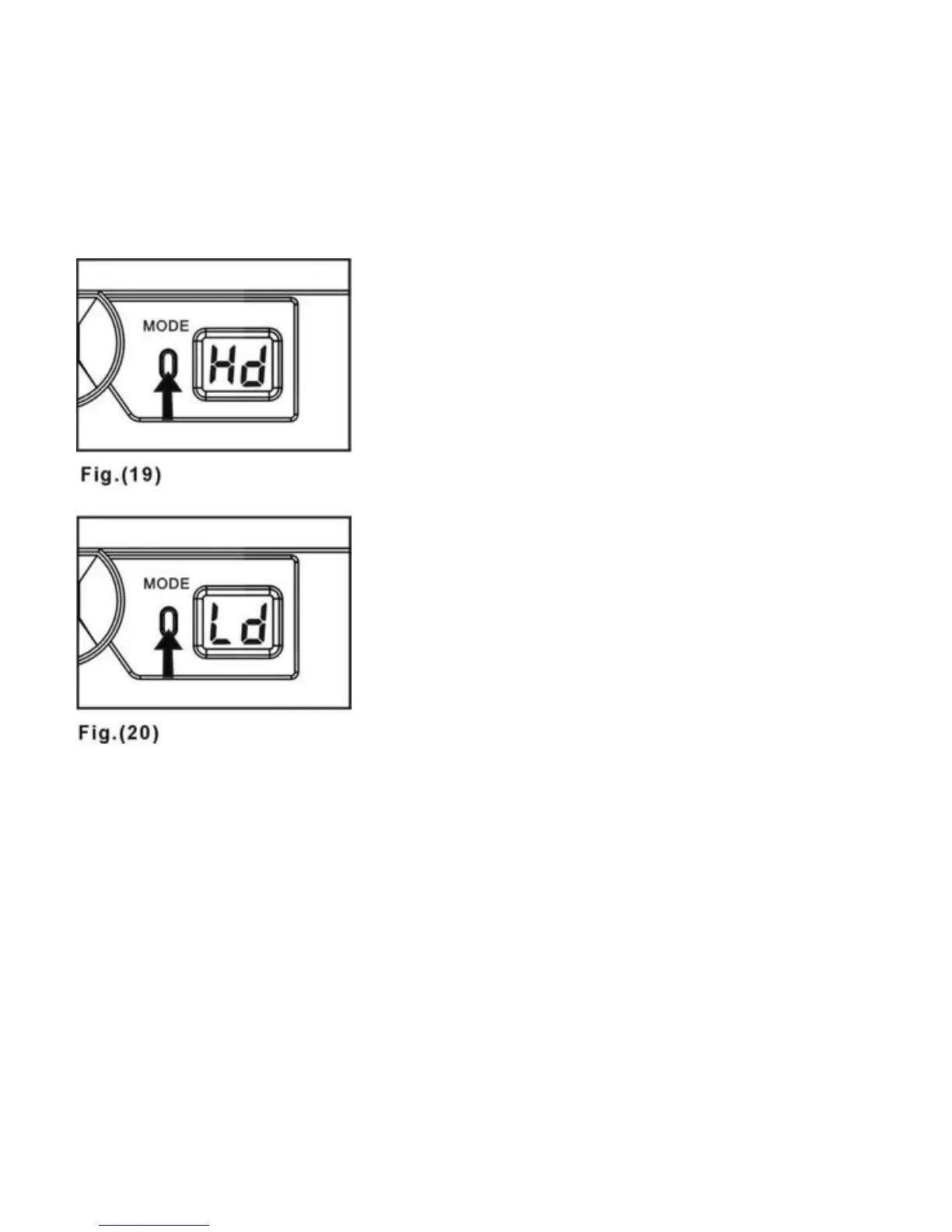
Press the MODE BUTTON seven
times until you see “Hd” then press
the SHUTTER RELEASE BUTTON
to enter compression mode for “Hi”
or “Lo” resolution images--Fig. 19.
Disable Compression
Press the MODE BUTTON seven
times until you see “Ld”, then press
the SHUTTER RELEASE BUTTON
to enter decompression mode for
“Hi” or “Lo” resolution images--Fig.
20.
In “Hd” mode, the preparation
time for the next still image will
take longer because the camera
needs time to process the
compression. The STATUS LCD
will show “- -“ symbol while the
camera is processing the image.
15



 To Next Page