14
5
SET MODE
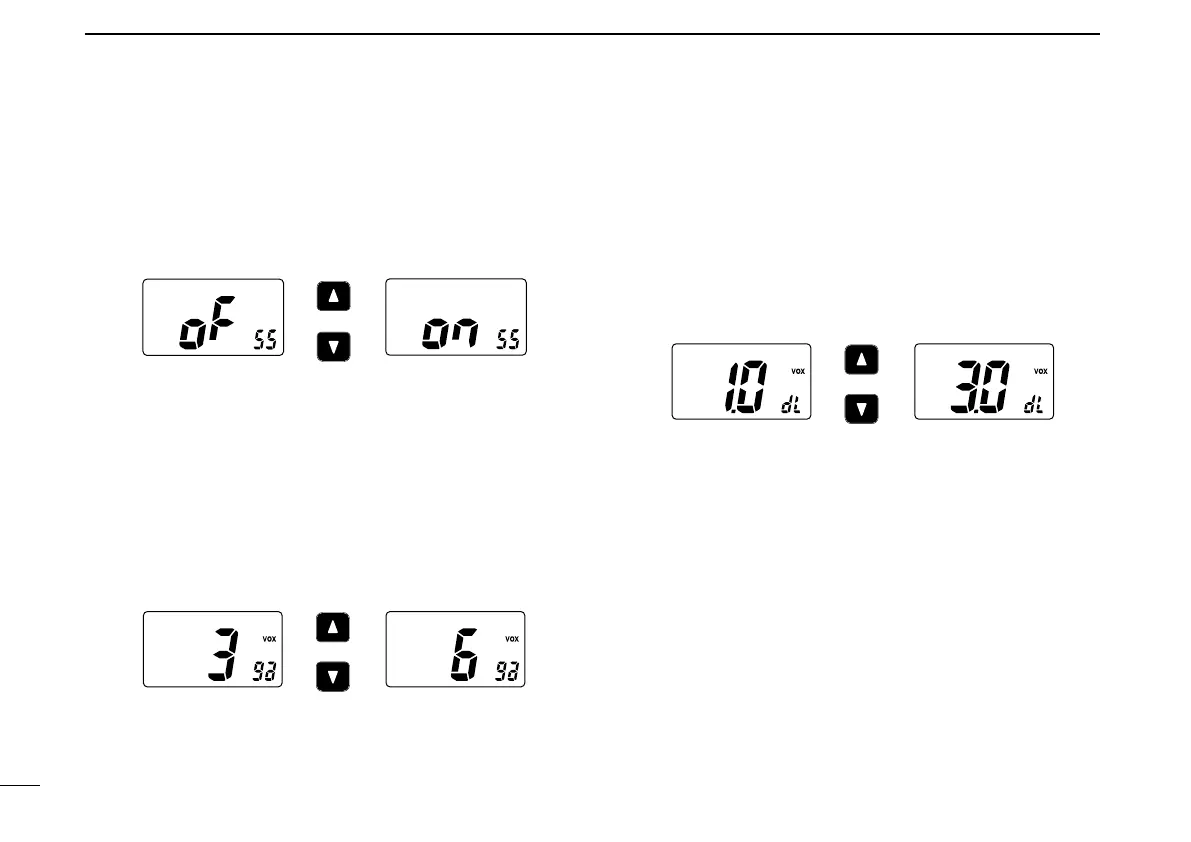
D Squelch sensitivity function “SS”
When this function is turned ON, blocking against noise is im-
proved. Therefore the squelch is not easily affected by noise.
D VOX gain “ga”
(Available for on-board use only)
Adjusts the VOX gain (from 1 to 6) to level when speaking
with the optional headset.
• In case of setting to 1, the VOX gain sets to sharpening.
• In case of setting to 6, the VOX gain sets to dulling.
D VOX delay “dL”
(Available for on-board use only)
Sets the VOX delay timer (0.5 to 3.0 sec. in 0.5 sec. steps)
that keeps on transmitting after you stop speaking.
• In case of setting to 0.5 (0.5 sec.), the VOX delay sets to short.
• In case of setting to 3.0 (3.0 sec.), the VOX delay sets to long.
Push
Squelch sensitivity OFF
(default)
Squelch sensitivity ON
Push
VOX gain 3 (default)
VOX gain 6
Push
VOX delay 1.0 (default)
VOX delay 3.0



 To Next Page