17
4
BASIC OPERATION
1
2
3
4
5
6
7
8
9
10
11
12
13
14
15
16
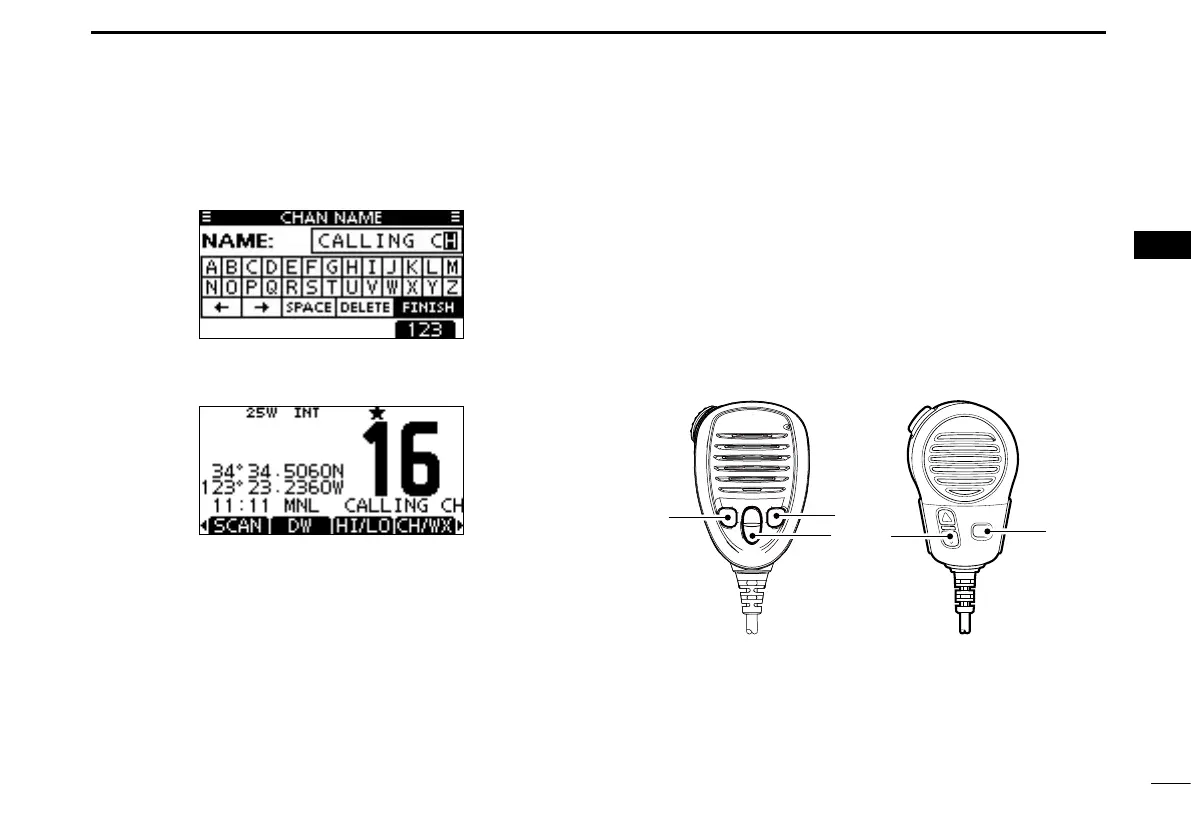
r Repeat step e to enter all characters.
t Push [Ω]/[≈]/[∫]/[√] to select “FINISH,” then push [ENT] to
set the name and return to the previous screen.
Microphone Lock function
The Microphone Lock function electrically locks [∫], [√],
[16/C],*
1
and the [H/L]*
2
keys on the supplied microphone.
This prevents accidental channel changes and function ac-
cess.
*
1
For only the IC-M423G, IC-M423GE, and IC-M424G.
*
2
[HI/LO] is printed for the IC-M423 and IC-M424.
While holding down [H/L] or [HI/LO] on the microphone,
hold down [PWR](Dial) to turn ON the transceiver and turn
the Microphone Lock function ON or OFF.
[HI/LO]
[Y]/[Z]
[H/L]
[16/C]
IC-M423G/IC-M423GE
/IC-M424G
IC-M423/IC-M424



 To Next Page