75
9
MENU SCREEN OPERATION
1
2
3
4
5
6
7
8
9
10
11
12
13
14
15
16
■ Menu screen items
The Menu screen contains the following items.
D DSC Calls
Item Ref. Item Ref.
• Individual Call p. 32 •
Transmitted Call Log
p. 62
• Individual ACK*
1
p. 34
• Position Request
*
2
p. 39
• Group Call p. 36
•
Position Report*
2
p. 41
• All Ships Call p. 38 • Polling Request*
2
p. 43
• Distress Call p. 26 • Test Call p. 45
• Distress Relay ACK*
5
p. 30 • Test ACK*
1
p. 47
• Received Call Log p. 63
D DSC Settings
Item Ref. Item Ref.
• Position Input*
3
p. 25 • Test ACK p. 65
• Individual ID p. 22 • CH 16 Switch p. 66
• Group ID p. 23 • Alarm p. 67
• Individual ACK p. 65 • CH 70 SQL Level p. 67
• Position ACK p. 65 • DSC Loop Test p. 68
*
1
Displayed only after receiving a corresponding call.
*
2
For only USA and Australian version transceivers.
*
3
Displayed only when no GPS information is received.
*
4
Displayed only when the optional HM-195 is connected.
*
5
For only USA version transceivers.
*
6
This setting may not be usable, depending on the transceiver ver-
sion or presetting.
D Radio Settings
Item Ref. Item Ref.
• Scan Type p. 76 • WX Alert*
2
p. 77
• Scan Timer p. 76 • RT Indicator*
5
p. 77
• Dual/Tri-Watch p. 76
• CH Display
*
6
p. 77
• CHAN Group p. 76
D Configuration
Item Ref. Item Ref.
• Backlight p. 78 • Noise Cancel p. 80
• Display Contrast p. 78 • Inactivity Timer p. 81
• Key Beep p. 78 • NMEA Output p. 82
• Key Assignment p. 78 • Remote ID p. 83
• UTC Offset p. 80 • COMMANDMIC SP*
4
p. 83
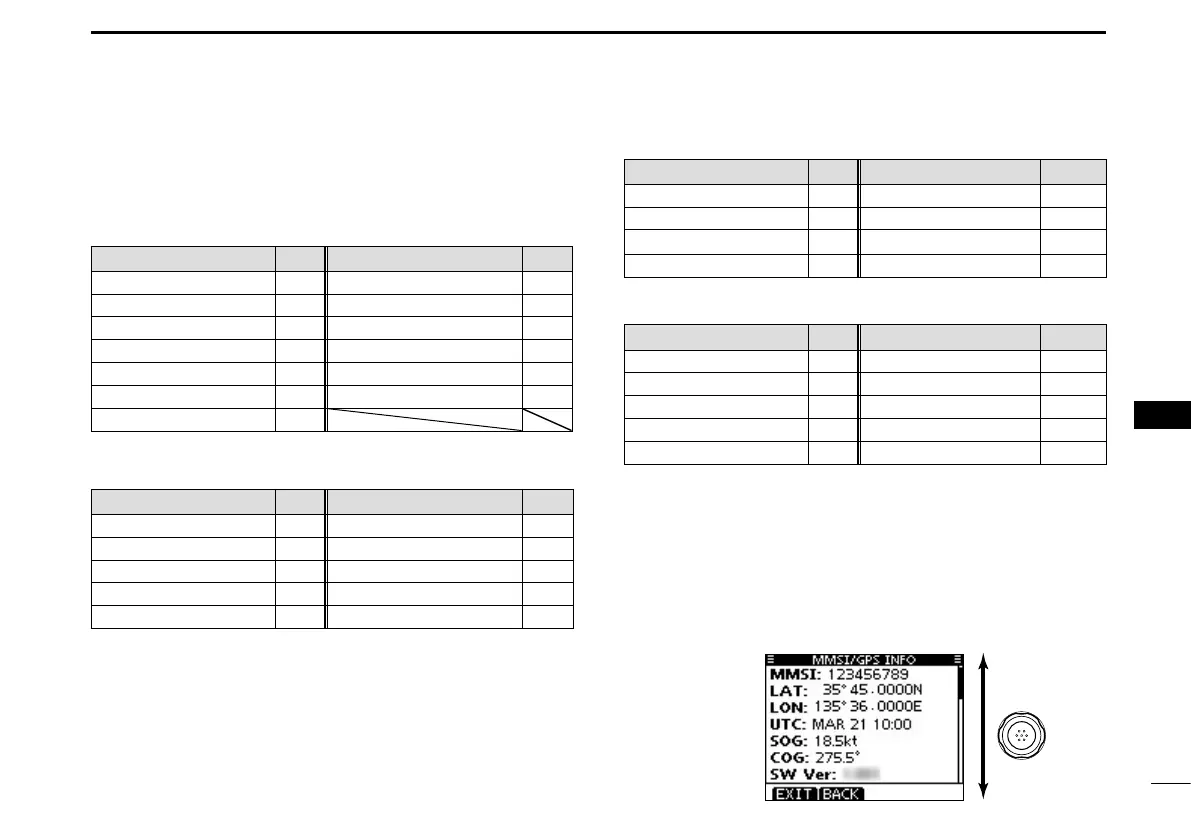
D MMSI/GPS Info
The transceiver shows the preset MMSI and ATIS*
7
codes
and GPS information*
8
.
If the code is not entered, “NO DSC MMSI” or “NO ATIS
MMSI”*
7
is displayed.
*
7
Displayed only for the Dutch and German version transceivers.
*
8
Displayed only when an external or the built-in GPS receiver is
receiving valid position data.
Rotate



 To Next Page