55
8
SET MODE
■ Set mode
Set mode is used for programming in-
frequently changed values or conditions
of functions.
In addition, this transceiver has 2 ex-
panded set modes which are used for
programming even more infrequently
changed values or conditions of func-
tions. When turning the expanded set
modes OFF, only half of the set mode
items are displayed for simple opera-
tion.
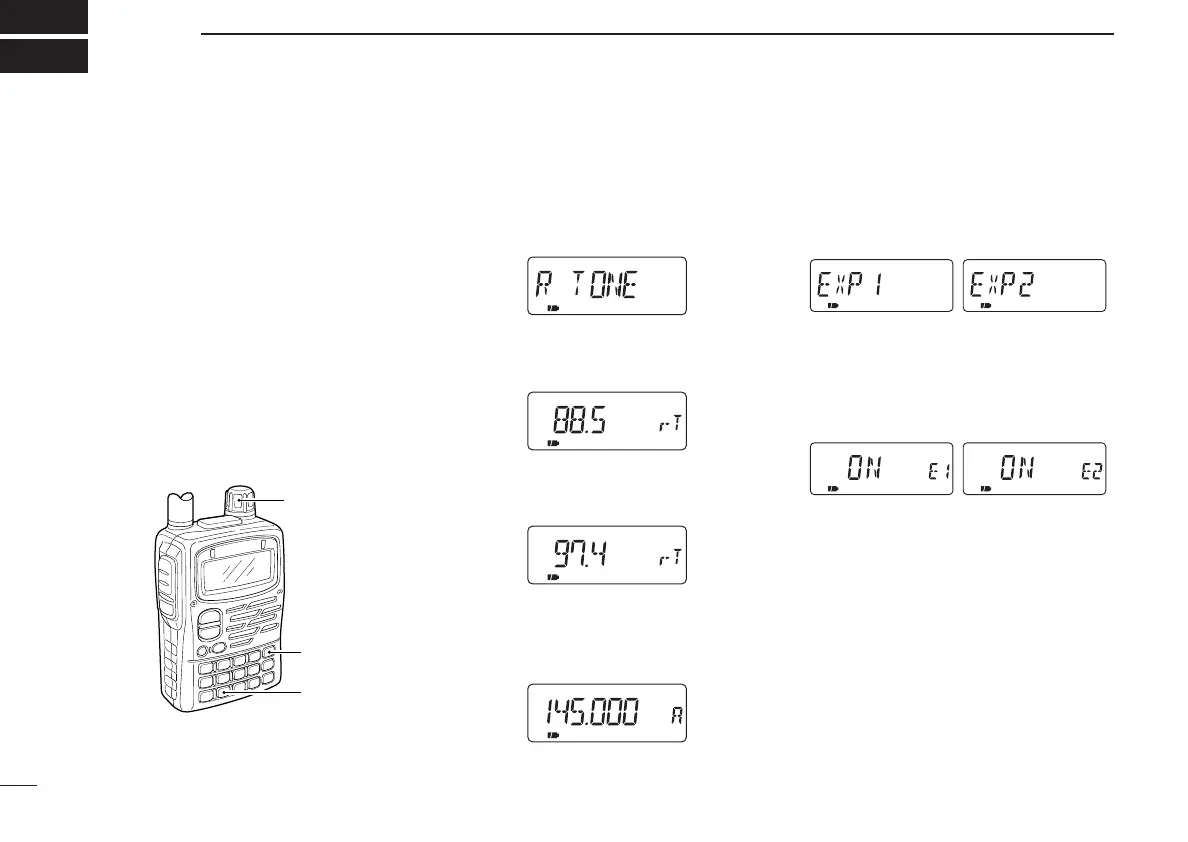
DEntering set mode
q Push [8 SET] for 1 sec. to enter set
mode.
w Rotate [DIAL] until the desired item
appears.
e Push [8 SET] to select the set mode
item.
r Rotate [DIAL] to select a set mode
item.
t Push [VFO] to exit set mode or push
[8 SET] then rotate [DIAL] to select
another set mode item.
DExpanded set mode ON/OFF
q Push [8 SET] for 1 sec. to enter set
mode.
w Rotate [DIAL] until “EXP1” or “EXP2”
appears.
e Push [8 SET] to select one of the
expanded set modes.
r Rotate [DIAL] to turn the expanded
set mode ON or OFF.
t Push [8 SET] then rotate [DIAL] to
select a set mode item in the se-
lected expanded set mode, or push
[VFO] to exit set mode.
IC-T90A_IM.qxd 02.6.6 08:44 AM Page 58 (1,1)



 To Next Page