38
Installing iMap
TM
Software for Windows
Please follow the procedures below step-by-step to install your iMap
TM
software.
Diagram 3
1. Turn on your PC.
2. Download the Mac iMap from your Personal User Page at
www.iconproaudio.com
After you downloaded the le, please click it to start the installation process.
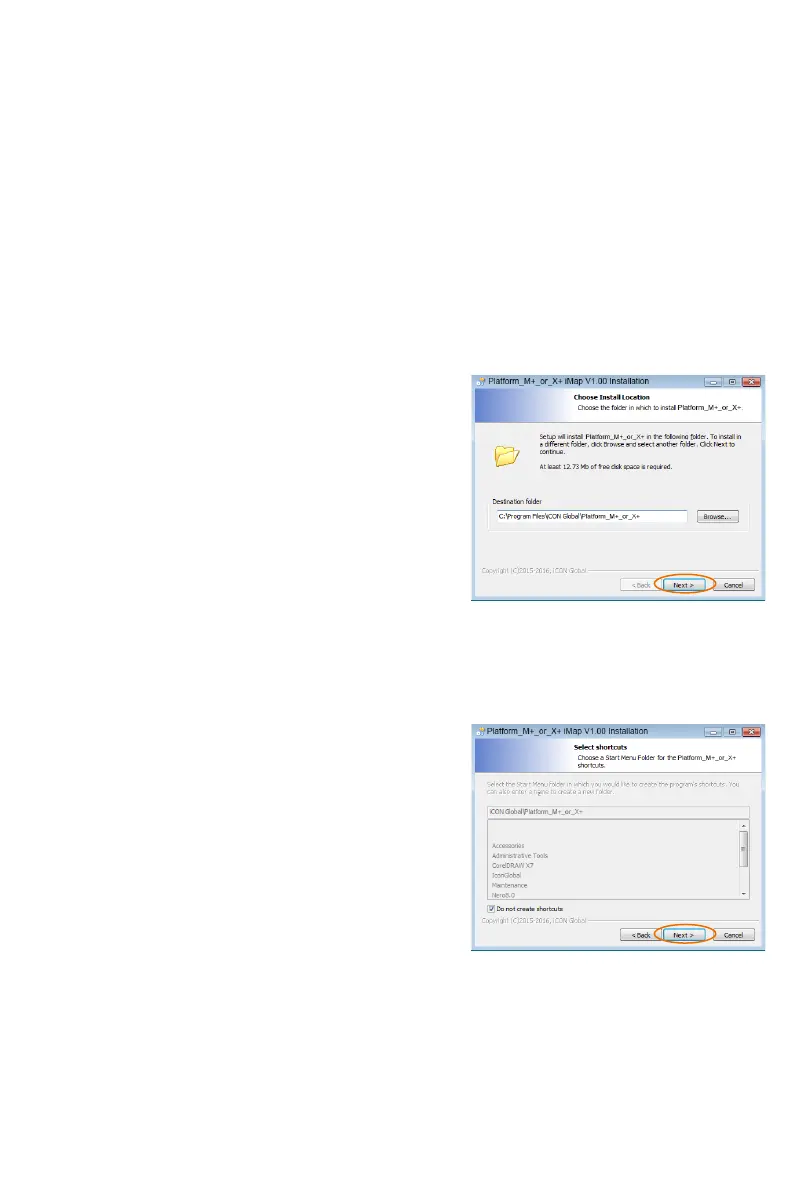
3. Choose Install Location
Choose your preferred install location for
iMap
TM
or use the default location and
click “Next”.
4. Select shortcut
Select the start menu folder in which
you would like to create the iMap
TM
shortcut. Then click “Next”.
Diagram 4



 To Next Page