43
Assigning MIDI message with User Dene
mode at iMap
TM
iMap
TM
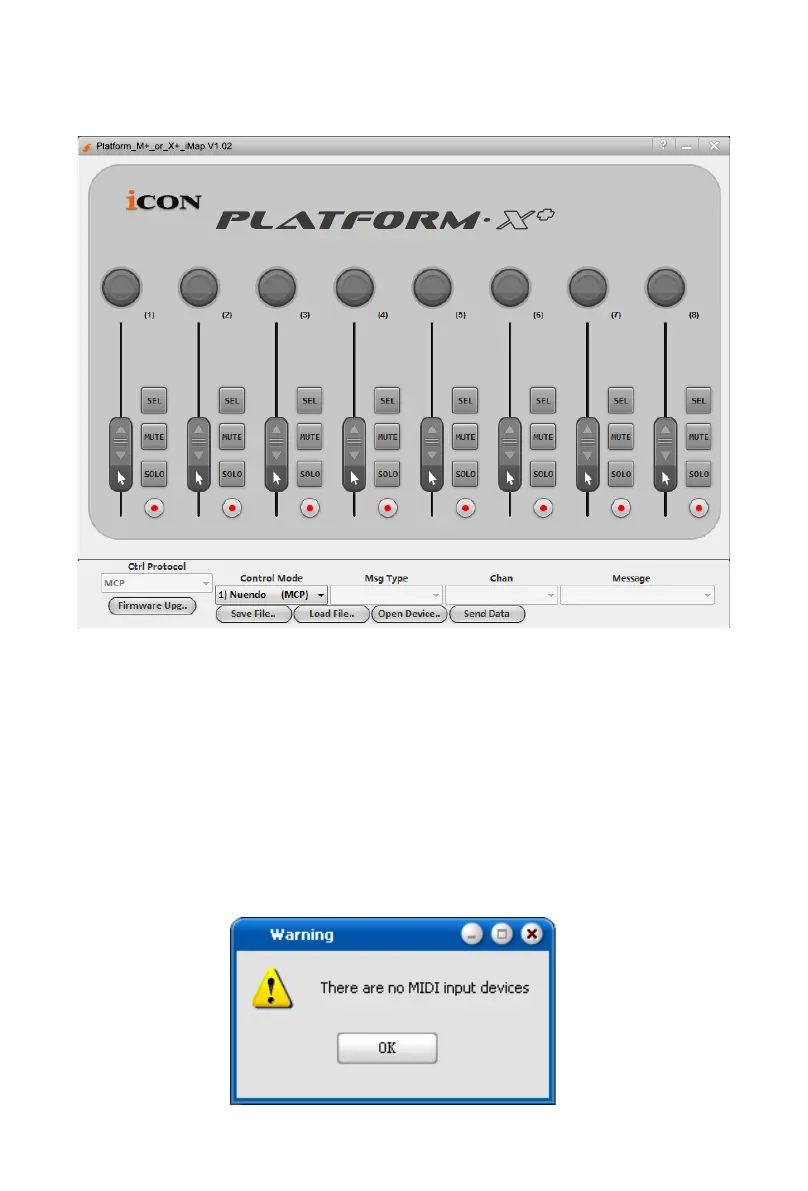
Platform X+ software panel
To begin the “User denes” mode setup, let make the connection of your
Platform X+ with iMap. Please follow the below steps:
1. Connect Platform X+ to your Mac/PC.
2. Launch iMap and click “Connect Device” button.
Note: If your Platform X+ is not connected to your Mac/PC, the message
“There are no MIDI input devices” will appear. Please connect Platform X+ to
your Mac/PC with the provided USB cable.
Diagram 9



 To Next Page