40
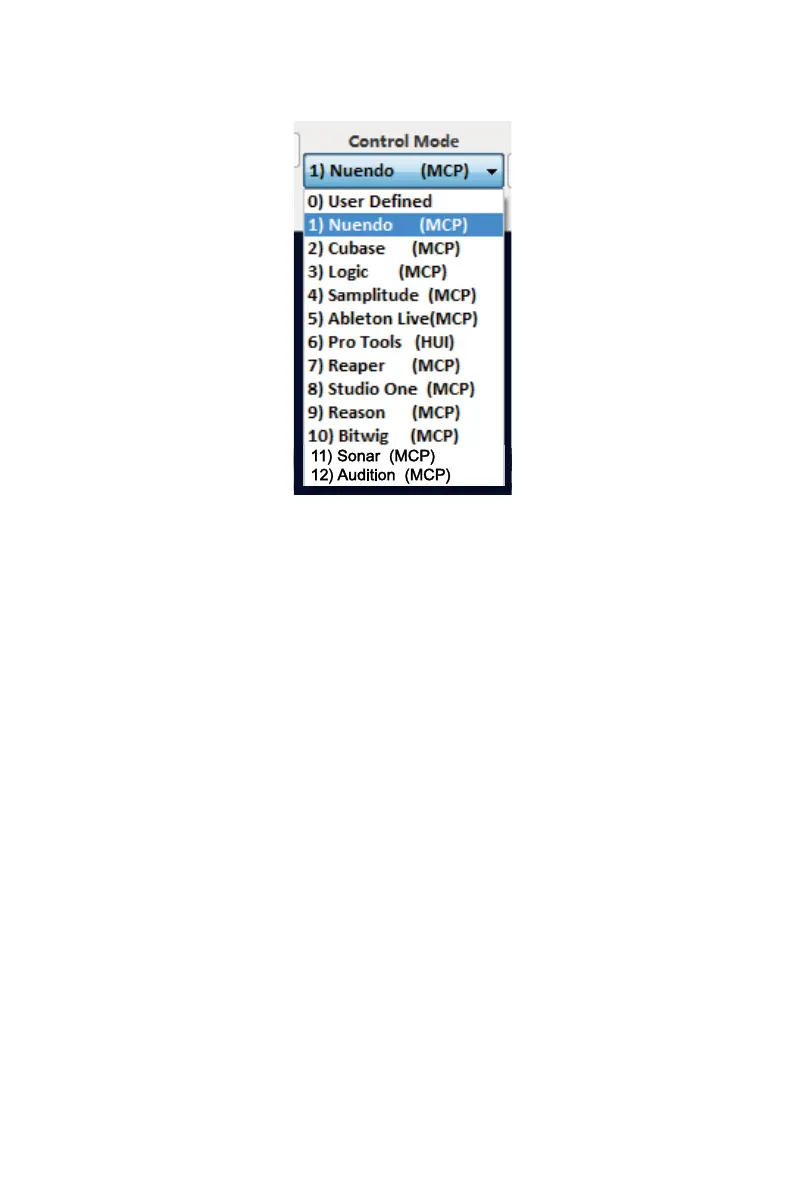
There are two different methods for setting up your Platform X+. In general, it is
simpler and faster to set the device to pre-mapped DAW modes with Mackie
Control/HUI protocol, depended on which DAW you use. The device has built-in
DAW Mackie/HUI protocols as follows:
1. MCP – For Nuendo / Cubase / Samplitude / Ableton Live / Reaper / Studio
One / Reason / Bitwig / Sonar / Audition / FL Studio / Digital Performer
2. Logic Pro – For Logic Pro
3. HUI – For Pro Tools
4. User dene – For User dene
Or you can dene each control element on your Platform X+ with your own MIDI
messages provided in iMap’s function pull-down menu. However, unless you
fully understand the MIDI structure of your DAW, this can be very troubling to set
up. We strongly recommend that you use the pre-mapped DAW modes, as they
are programmed according to the most popular user preferences, and are most
likely to suit your needs.
Assigning DAW mode (Mackie Control/HUI)
or self dene MIDI functions with iMap
TM



 To Next Page